
What is Bing Chat?
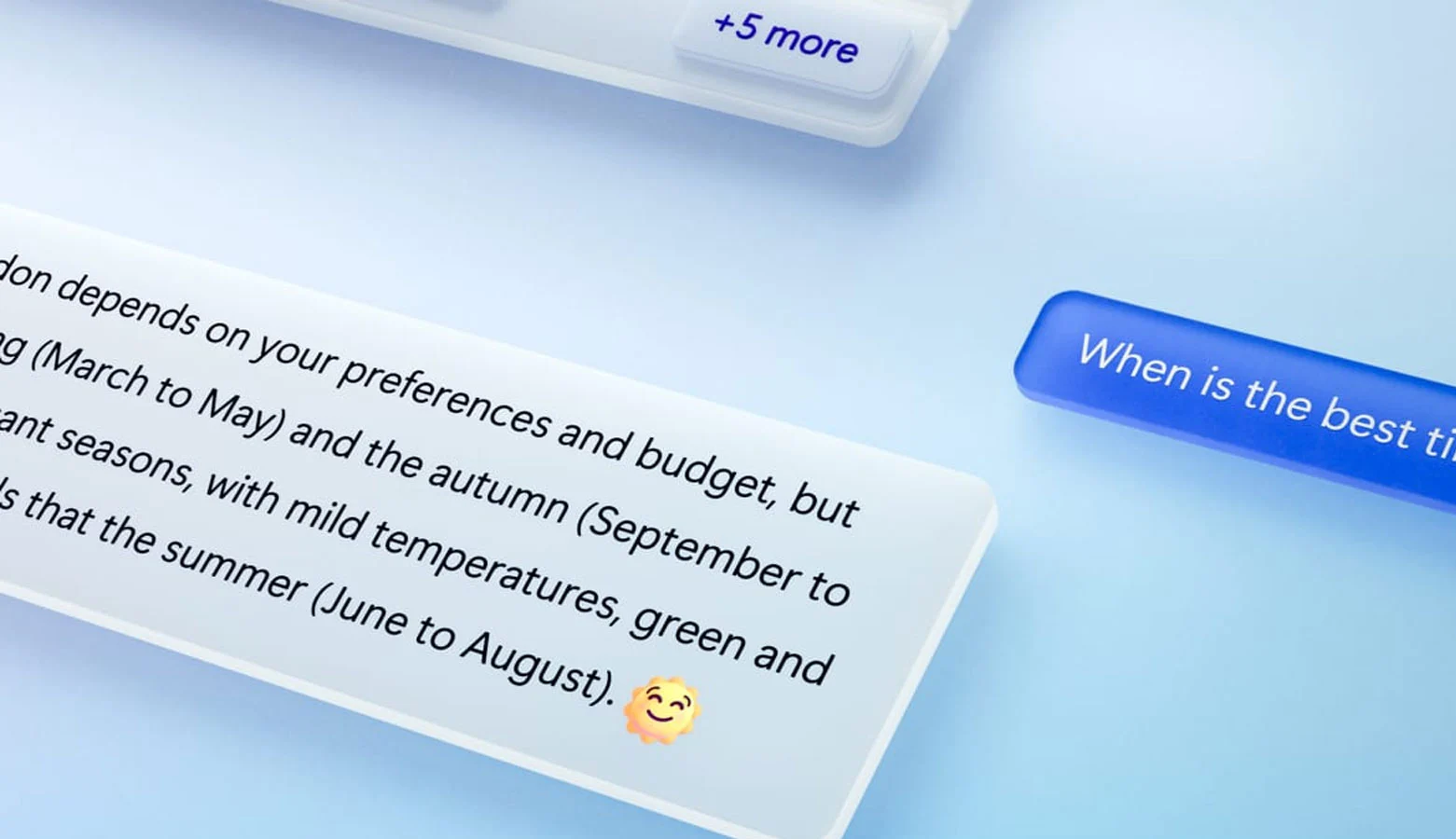
Bing Chat, also known as ‘The New Bing,’ is an integration of the AI chatbot ChatGPT with Microsoft’s search engine. It can answer all kinds of questions, hold conversations, and write or rewrite texts. But how do you get started with it?
Bing Chat is an AI feature of the new Bing that’s built into the sidebar of Microsoft Edge. It lets you ask complex questions, find detailed answers, get summarized information, and find inspiration to build on—all in a side-by-side view without having to switch between tabs. With Bing Chat, you’ll get answers to all your questions faster and more accurately than ever before.
15 Ways to Use Bing Chat
In this blog post, we'll show you how to get the most out of Bing AI. We'll cover its conversational style, various use cases, and much more.
Chat, compose, and gain insights
First, let’s take a look at Microsoft Edge’s new sidebar integration with Bing AI, also known as ‘Discover.’ It’s available to all Edge users, and you can access it from the top-right corner by clicking the Bing icon. This lets you chat with Bing AI right from the sidebar, without having to go to the webpage. Even better, when you’re on a website, Bing provides contextually relevant answers to questions about that webpage. This can be a huge help when you need an AI assistant while browsing a webpage packed with information.
With the ‘Compose’ feature, you can ask Bing to generate text on any topic you want. For example, you can ask it to write emails, jot down ideas, create blog posts, write letters, compose paragraphs, and more. You can also set the tone of the writing (such as funny, professional, etc.) and determine the length of the article.
Choose the conversation style
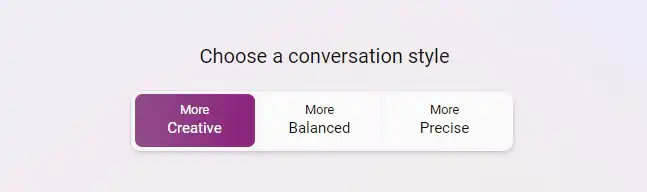
Bing AI comes in three modes: ‘Creative,’ ‘Balanced,’ and ‘Precise.’ “Balanced” is the default conversation style and works for all types of search queries. However, if you want Bing AI to write a story or a poem, or do something imaginative, you should select “Creative” mode. And when it comes to numbers, “Balanced” mode works best.
Find the most up-to-date information
The appeal of Bing AI compared to ChatGPT is that it can answer questions about the recent past and isn't limited to old data. Bing AI can therefore also find the latest, real-time information on any topic. So you can ask for the latest information on movies, events, people, book releases, and more…
Compare Products Using Charts
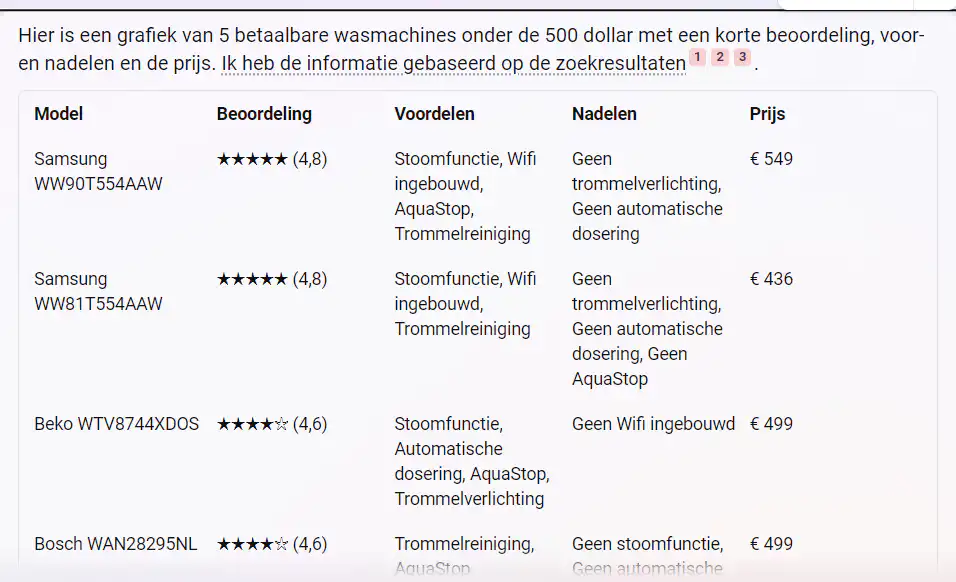
Looking for a new washing machine? Since Bing has the latest information, you can easily compare products. You can set the parameters yourself, such as ‘create a chart of 5 affordable washing machines under 500 euros with a brief review, pros and cons, and the price.’ And there you go—you’ll know right away what to buy.
No More Writer's Block
If you’re a copywriter, marketer, or journalist, you’ve probably found yourself stuck on a story at some point. Bing AI can be incredibly helpful in such a situation. It’s amazingly good at generating new ideas, and you might come up with something interesting or a unique perspective you hadn’t thought of before.
Ask complex questions
Bing AI's logical reasoning ability is impressive. Since it's powered by GPT-4, you can ask complex reasoning questions and expect an accurate answer. Just make sure to use the ‘Precise’ conversation style.
Making a travel plan
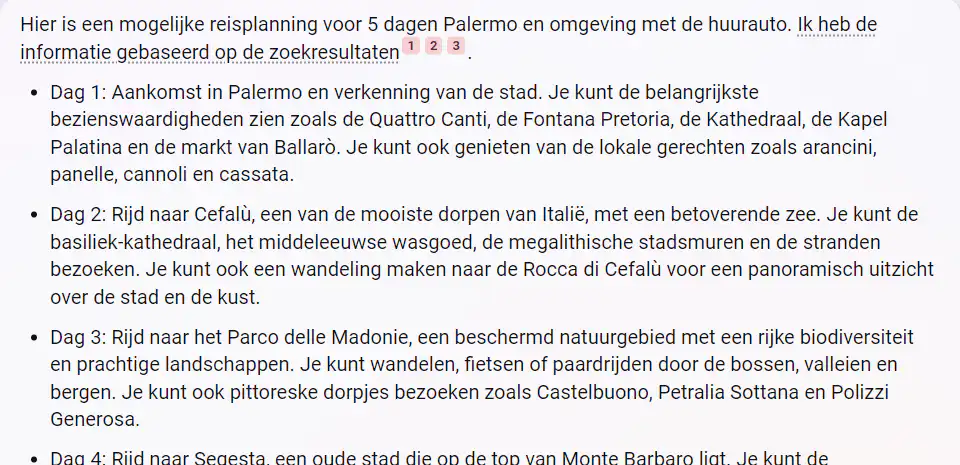
When you're traveling to a new destination, Bing AI can create directions for you. Add a few extra criteria: it should be affordable, pedestrian-friendly, well-connected to public transportation, etc. And Bing will give you a detailed itinerary, complete with all the necessary navigation details.
Writing Poems and Stories
With the ‘Creative’ conversation style, you can have Bing write poems and stories in various styles. For example, you can ask: ‘Write a poem about the rivalry between Google and Microsoft in the style of *Romeo and Juliet*.’ You can make it funny, exciting, insightful, …
Generate Song Lyrics
You can also ask Bing AI to generate song lyrics with accompanying chords. Cool, right? So if you're looking for an AI assistant to make music with, Bing AI is your best friend.
Asking for Help with Coding
Bing AI Chat helps you find errors in your code and fixes them as well. For example, you can ask it to add a user interface to your code using a Python library or to convert Python code to Rust. It supports almost all programming languages.
Assigning a Role to AI
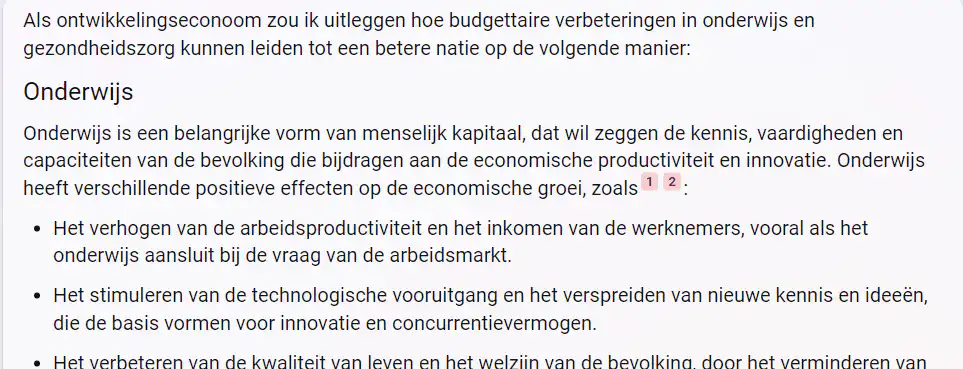
If you assign a role to Bing AI and then ask relevant questions, you’ll get better results. For example, you could ask: “Suppose you’re a development economist. Explain how budgetary improvements in education and healthcare can lead to a better nation.”
Improve Your Grammar
You can use Bing AI to improve the grammar in your text. Just type “Improve grammar” and then add your text. You can also ask it to rephrase the text and make it formal, professional, casual, funny, etc. So Microsoft’s AI chatbot can both generate and improve text.
Come up with a recipe
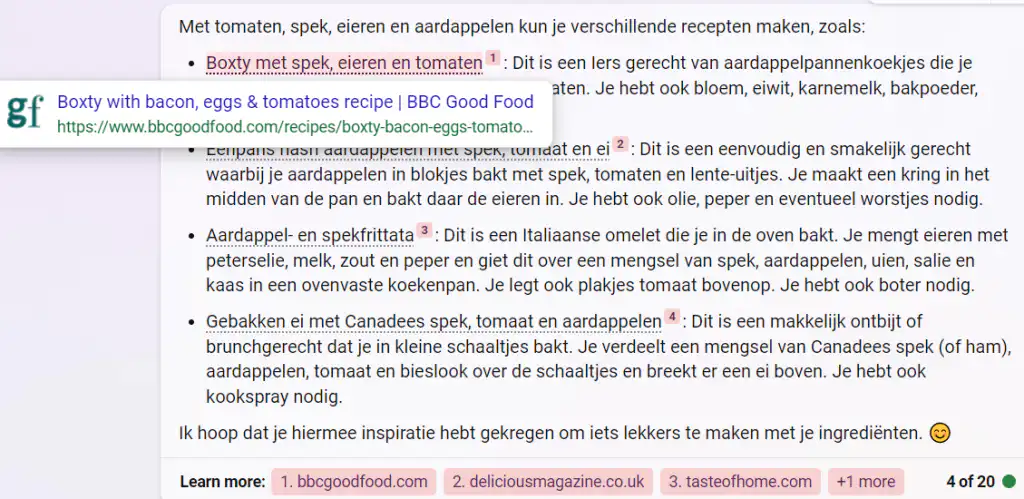
With Bing AI, you can create recipes using whatever you have left in your fridge. Ask: “I have bread, an egg, and garlic butter in my fridge. What can I make?” Bing will give you a recipe with step-by-step instructions. Pretty handy, right?
Solving Math Problems
Bing AI can also help you solve math problems. Just type in your question and press Enter, and it will give you the answer along with a solution. Be sure to use the “Precise” setting for this. Also, Bing Chat doesn’t support special characters, so you’ll need to describe them in natural language.
Explain a concept as if I were 5 years old
Bing AI can explain complex concepts in simple, easy-to-understand language. If you don’t know anything about a particular topic, you can ask Microsoft’s AI chatbot to explain it as if you were 5 years old. For example, we asked Bing AI to “explain the theory of relativity as if I were 5 years old,” and it provided a clear explanation!
New Way to Search
Instead of typing in a few keywords and hoping for the best, Bing Chat lets you have an actual conversation to get the information you need. This makes the search process much more intuitive and user-friendly.
Bing Chat also helps you save time. Instead of spending hours scouring all kinds of websites yourself, Bing Chat lets you get the answers you need quickly and easily. For example, you can ask for help drafting an email or have an article from an Italian website translated and summarized in a single step. And that, of course, makes your life a lot easier.


