
With Dynamics 365 Field Service grant you a Excellent on-site customer service. Optimize work schedules, provide faster service, reduce costs, schedule the right employees with the right skills, and exceed customer expectations—you can achieve all of this more easily with this specialized Field Service Management app.
It is the perfect tool for modern (technical) service companies that focus primarily on installations, repairs, and preventive maintenance at customer sites. Dynamics 365 Field Service is also used in the healthcare sector, for example, to efficiently schedule healthcare workers for home care.
1. Intelligent Resource Planning
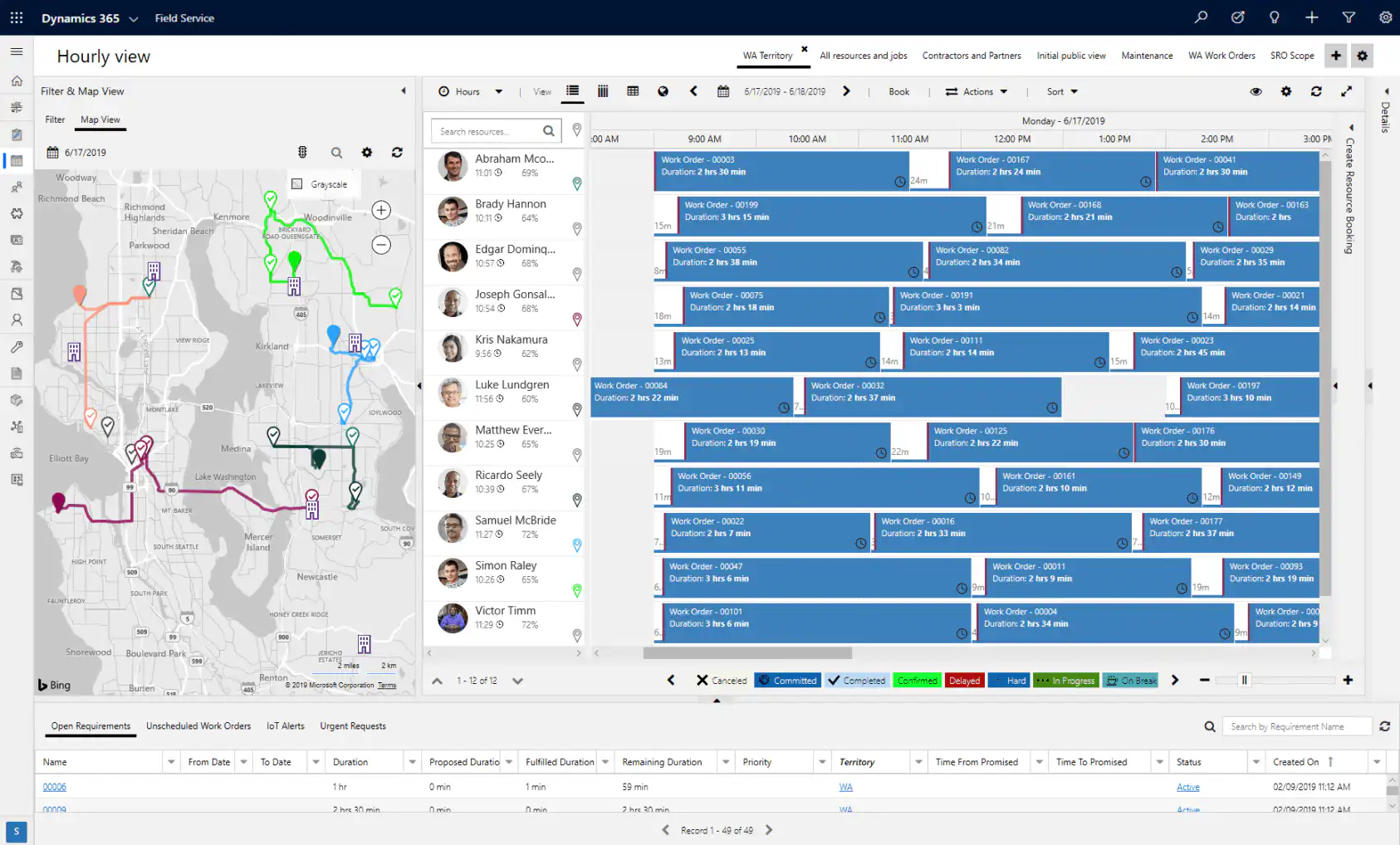
With Dynamics 365 Field Service, you can schedule work manually, partially automatically, or fully automatically. A user-friendly planning board and interactive map help you assign the most suitable technicians based on location, availability, skills, priority, etc. Here's how to send the right technician out at the right time.
2. Work Orders and Billing
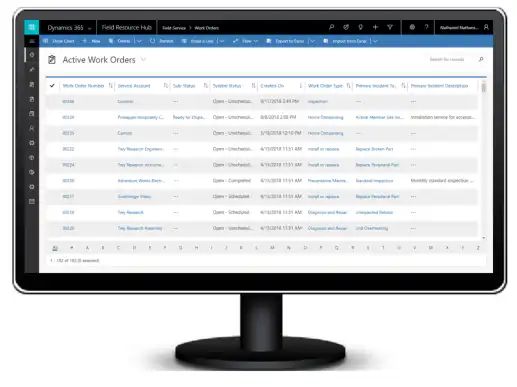
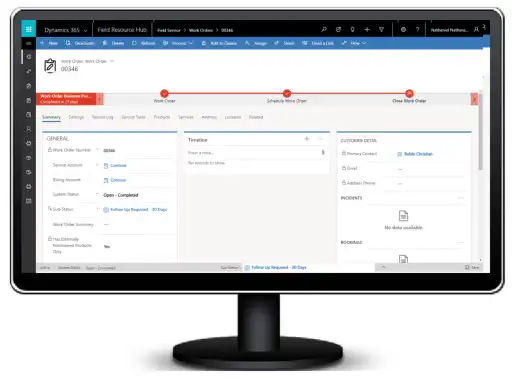
Because all the apps from Microsoft Dynamics 365 are connected to one another, also has Dynamics 365 Field Service access to all customer data stored in Dynamics 365. This allows you to very quickly work orders containing the correct information and work instructions so your technicians can get to work right away. Completed work orders are then automatically converted into invoices. This means your accounting department doesn't have to wait for the technicians to bring their work orders to the office before issuing the invoices.
3. Cost-Effective Inventory Management
When technicians complete a work order, the service history and inventory are automatically updated. This allows you to manage and track inventory across all your locations in real time. You know exactly where the equipment is located: warehouses, depots, and trucks. Result = an up-to-date inventory and more accurate forecasts.
4. Preventive Maintenance
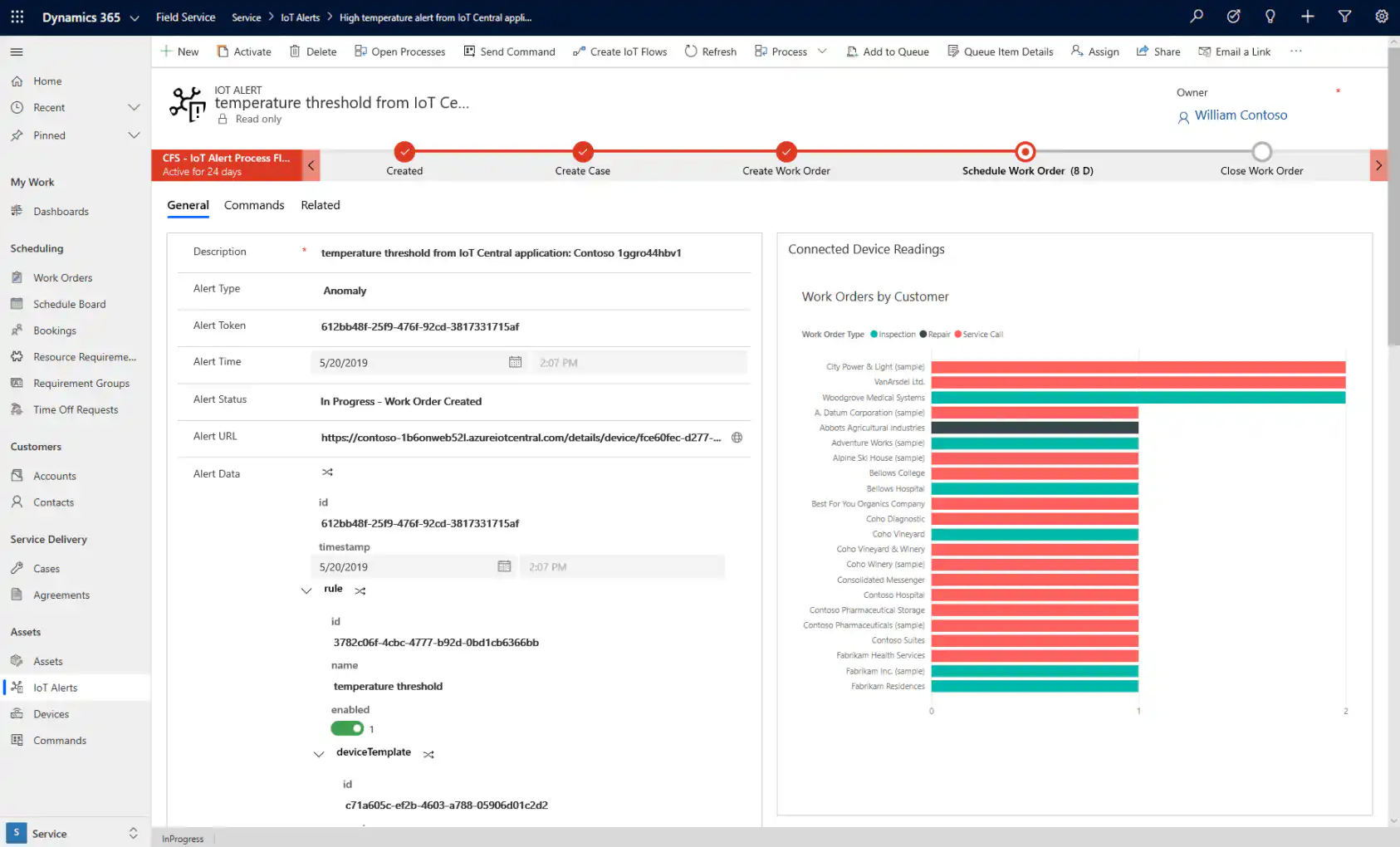
Using IoT sensors Your organization continuously monitors connected devices at customer sites. If a device malfunctions, you’ll receive a notification and identify issues before your customers even know about them. You can then resolve the issue remotely or send a technician if it’s truly necessary. This offers many benefits, such as reducing downtime, addressing problems more quickly, and lowering maintenance costs. Predictable service is also greatly appreciated by customers and therefore helps build their trust in your company.
Overview Video
In the video below, you'll see an overview of the capabilities of Dynamics 365 Field Service.
Mobile Support
Dynamics 365 Field Service is a mobile app built on the Power Platform from Microsoft. In addition, there is also Field Service Mobile, the “older” mobile app that gives field technicians access to D365 Field Service information. This page shows a comparison table: https://docs.microsoft.com/en-us/dynamics365/field-service/mobile-2020-power-platform


