
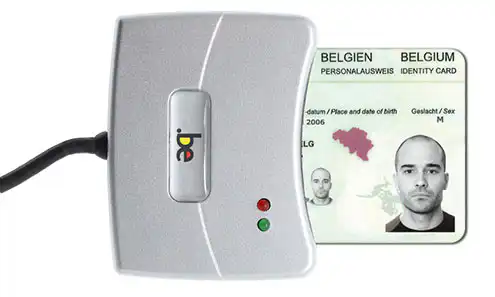
You may also occasionally encounter password-related issues within your company: passwords are sometimes forgotten, someone might write a password down on a Post-it note, and there are quite a few requests to reset passwords, etc. To solve these problems, we developed a feature to log in to Microsoft Dynamics CRM with the electronic ID card (eID).
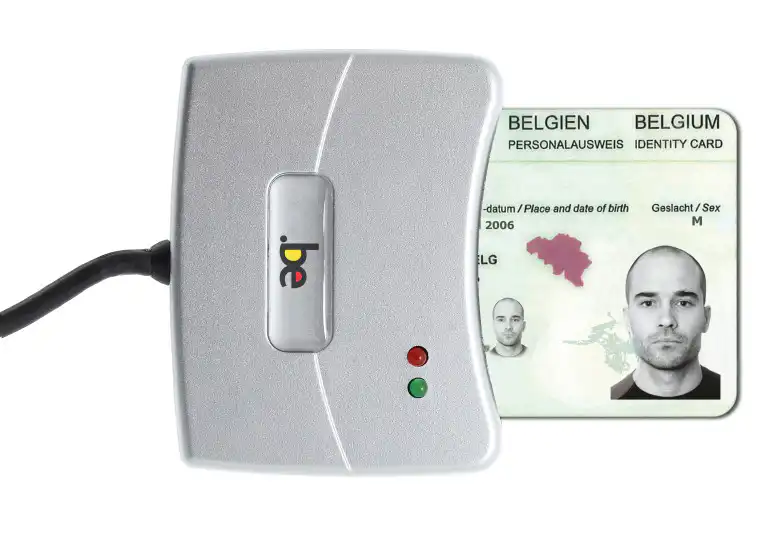
How does it work?
The CRM user navigates to the familiar CRM environment and selects the ‘Log in with eID’ option. He or she is prompted to enter the PIN for the electronic ID card. The CRM user is authenticated in this way and is granted access to the CRM environment only if his or her eID and the corresponding PIN are correct.
What are the benefits?
The benefits of logging in to Microsoft Dynamics CRM with eID are:
- No more specific passwords are required for all CRM users
- no complex rules regarding passwords
- No need for the help desk to reset passwords
- more secure, because passwords can no longer be shared so easily
- easier for the user, because he or she only has to remember their personal PIN


