

Power Automate was known as Microsoft Flow until the end of 2019. In November 2019, Microsoft renamed the online platform Power Automate.
Why use Microsoft Power Automate?
To turn time-consuming and repetitive tasks into automated workflows. Automate administrative tasks and automatically provide employees with instructions so that nothing is forgotten or left undone.
Microsoft Power Automate is widely used for the request approval process, automatic file synchronization between services, registering new sales leads, and sending notifications. For example, a push notification when one of your favorite blogs has been updated or a text message when a new sales lead has been added to Dynamics 365. This way, you don’t have to constantly keep an eye on this information yourself.
There is also a Power Automate app which you can download for iOS, Android, or Windows Phone. Even when you're on the go, you can check, manage, and create streams.
Integration with over 150 apps and services
Power Automate is part of the Online Low-Code/No-Code Power Platform and integrates seamlessly with more than 150 apps and services, including Microsoft's own services such as Dynamics 365 and Office 365; and public services such as Dropbox and Twitter.
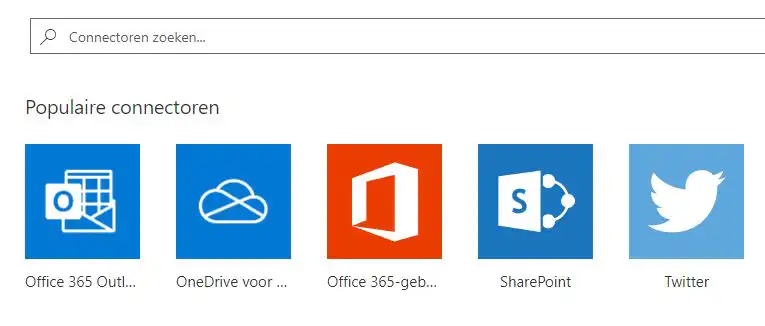
You can also connect to your own local services through a specific on-premises data gateway.
How do you go about it?
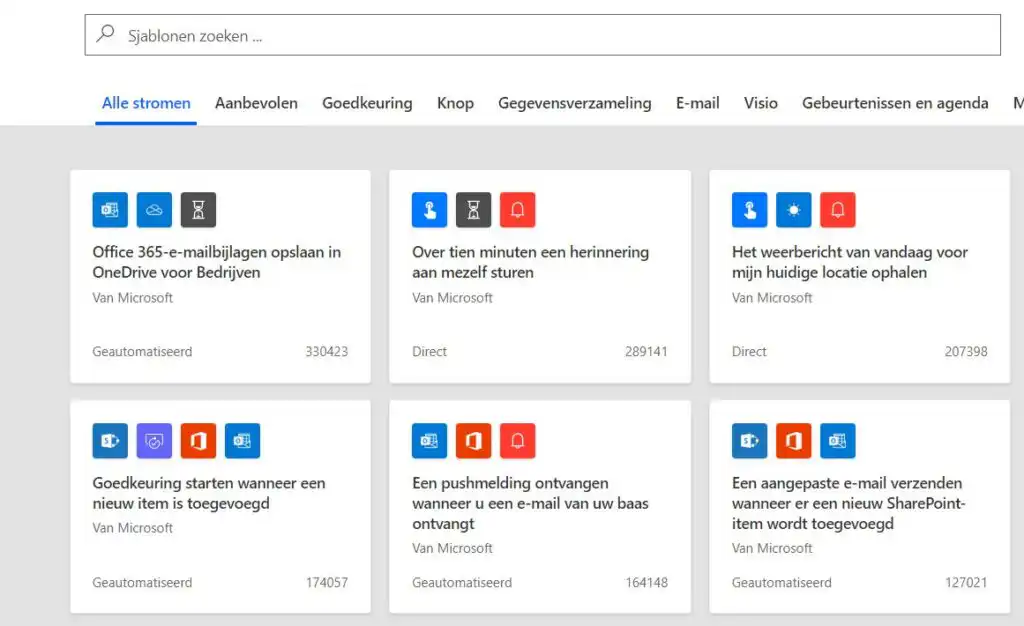
After signing up for the Power Automate platform using your Microsoft account, you can start using workflows right away and Choose from free “ready-to-use” templates. These templates are ready-to-use workflows for popular and common scenarios.
If you'd prefer to create a specific workflow yourself, you can, of course, do that as well. You design everything entirely on your own and can also share the workflow with other Power Automate users afterward, if you'd like.
How do you use Power Automate with Microsoft Dynamics 365?
When you're signed in to the Power Automate platform, you'll see via this link which triggers and actions are available through the Microsoft Dynamics 365 Connector.
Here, too, you can create your own flow from scratch or choose from predefined flow templates, such as:
- Receive a weekly email with new Dynamics 365 sales opportunities
- Create a SharePoint item based on a Dynamics 365 record
- Record leads in Dynamics 365 based on Tweets
- Create a new task in Microsoft TO-DO for each new Dynamics 365 activity
- Create a new contact in Dynamics 365
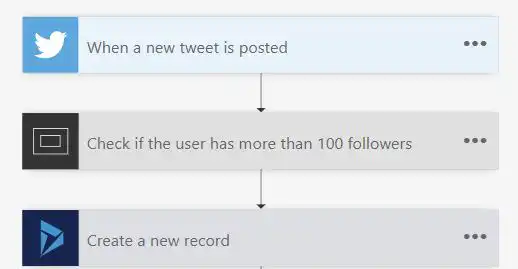
In Microsoft Dynamics 365, there is a built-in Power Automate feature. This allows you to from Dynamics 365: Trigger a flow by clicking on a ‘Power Automate button’ Click here. You can also open Microsoft Power Automate from Dynamics 365 to view or edit your flows, or to create new ones.
NEW! Robotic Process Automation
Robotic Process Automation (RPA) is a relatively new technology in which routine tasks are automated using so-called virtual robots. This primarily involves routine tasks involving software systems that do not support an API (Application Programming Interface) connection, or manual actions (such as retyping data) between different IT systems.
In late 2019, Microsoft added a new feature based on RPA technology to Power Automate, “UI flow” called. The video below explains in detail what you can do with this new feature.


