Marketing Automation in Microsoft Dynamics 365
ClickDimensions Marketing Automation gives marketers the tools to generate leads and automatically prioritize them. This helps salespeople identify which prospects and sales opportunities they should focus on. With ClickDimensions Marketing Automation, you can identify who is interested in your products. You can quantify their level of interest and take the appropriate follow-up actions accordingly.
ClickDimensions Marketing Automation is fully integrated with Microsoft Dynamics 365. This solution includes email marketing, campaign automation, web form creation, web intelligence (such as web tracking), lead scoring, campaign tracking, and much more.


Email Marketing
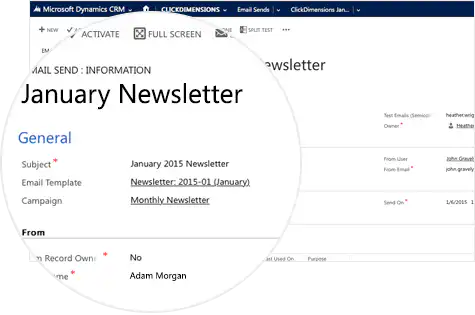
With ClickDimensions email marketing, you can easily create and send emails. There are several ways to create your emails: use the built-in drag-and-drop editor, choose from a selection of pre-designed templates, design your own template, or use the free-style editor, which allows you to upload your own HTML code.
In addition, thanks to the reports in ClickDimensions Marketing Automation, you can track who your emails were sent to, who opened them, and who clicked on which links.
Campaign Automation
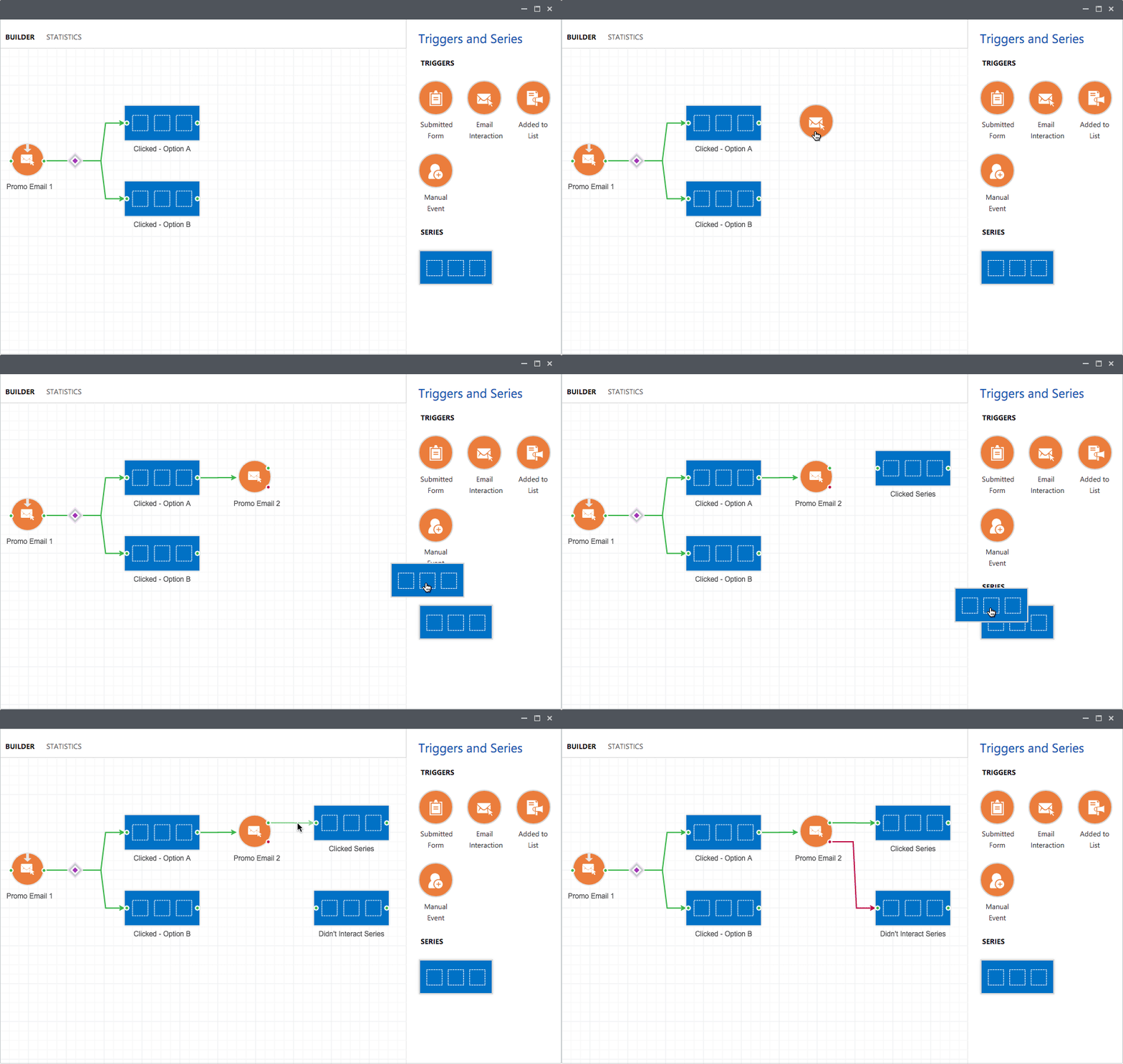
With ClickDimensions Marketing Automation, you can fully automate your campaigns. Using the drag-and-drop interface, you can build dynamic workflows with triggers (such as filling out a web form) and actions (such as sending an email). This allows you to automatically provide your leads with personalized, relevant messages (also known as ‘nurture marketing’).
In addition, you can also have the organization of events, promotional campaigns, or retention campaigns run entirely automatically.
Web Forms
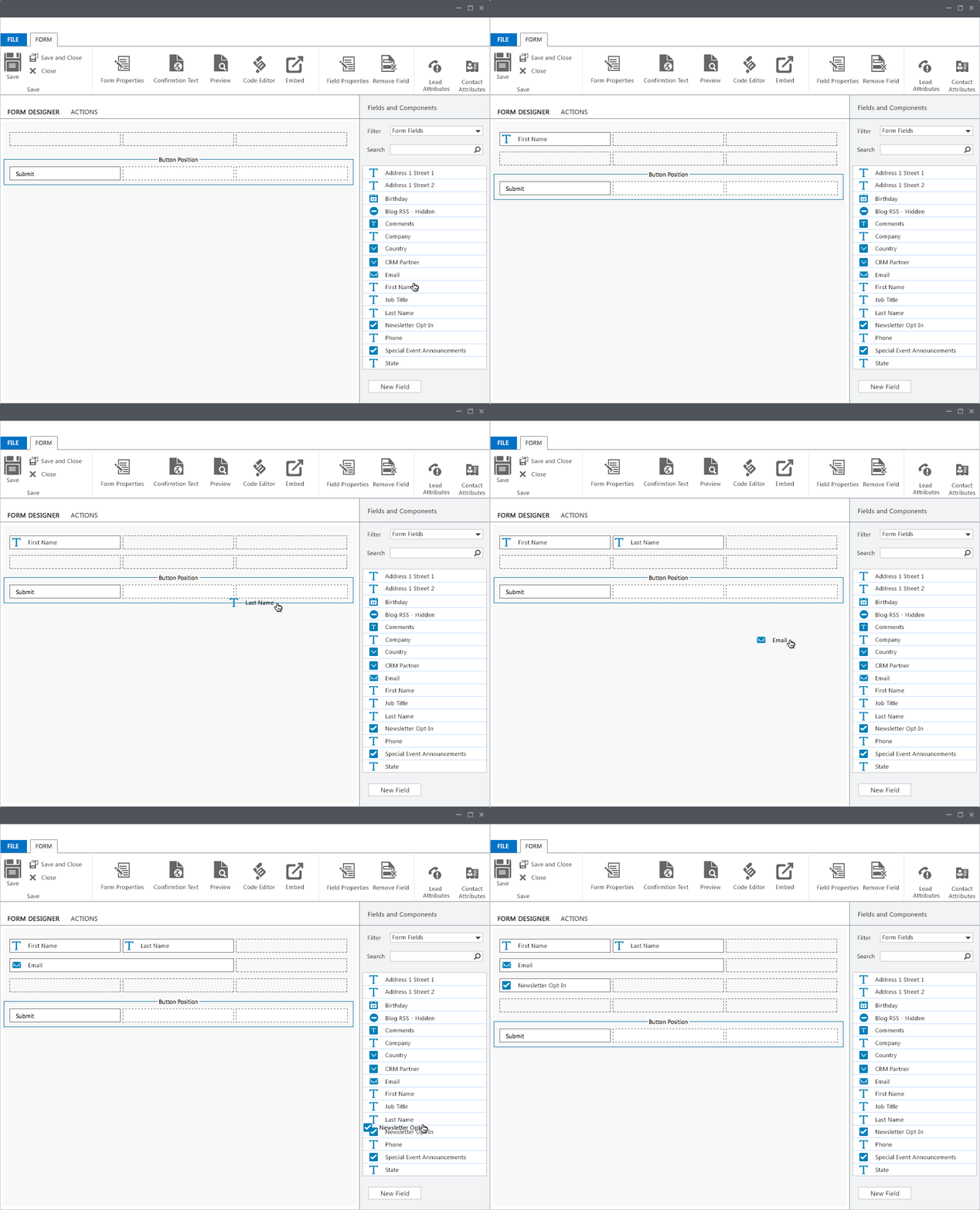
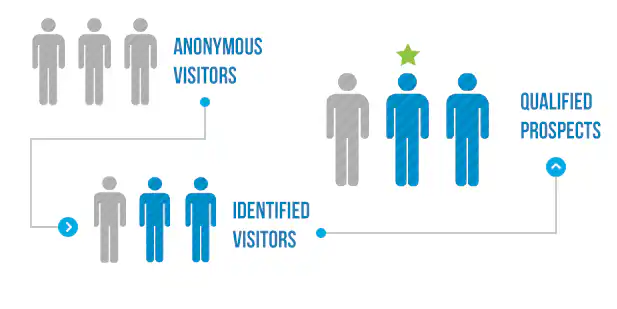
You automatically convert anonymous website visitors into known prospects after they've filled out a form on your website. With ClickDimensions Marketing Automation's drag-and-drop designer, you can easily create web forms.
A completed web form is sent directly to Microsoft Dynamics 365, where you can follow up on it. For all website visitors who are not yet in your Microsoft Dynamics 365 database, a new lead or contact record is automatically created.
Campaign Tracking
Consolidate all ClickDimensions Marketing Automation metrics by campaign in Microsoft Dynamics 365. This gives you a complete overview of your marketing campaigns and their results.
Web Intelligence
Within ClickDimensions Marketing Automation, you can view the web activities of both anonymous and known website visitors. This helps you identify who is interested in your products and services.
The difference from Google Analytics is that ClickDimensions Marketing Automation’s website statistics are grouped by individual user and by company network. This allows you to find out where your visitors are coming from, which pages they view, and what they do with the emails you send them.
Lead Scoring
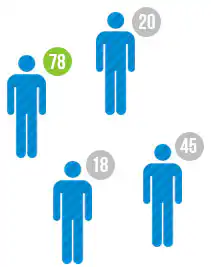
In ClickDimensions Marketing Automation, every website visitor is assigned a score. This score is based on behavior on the website and interactions with received emails. You can configure exactly how the score is calculated. For example, you can assign a higher or lower score to visits to certain pages, depending on the page’s importance.