
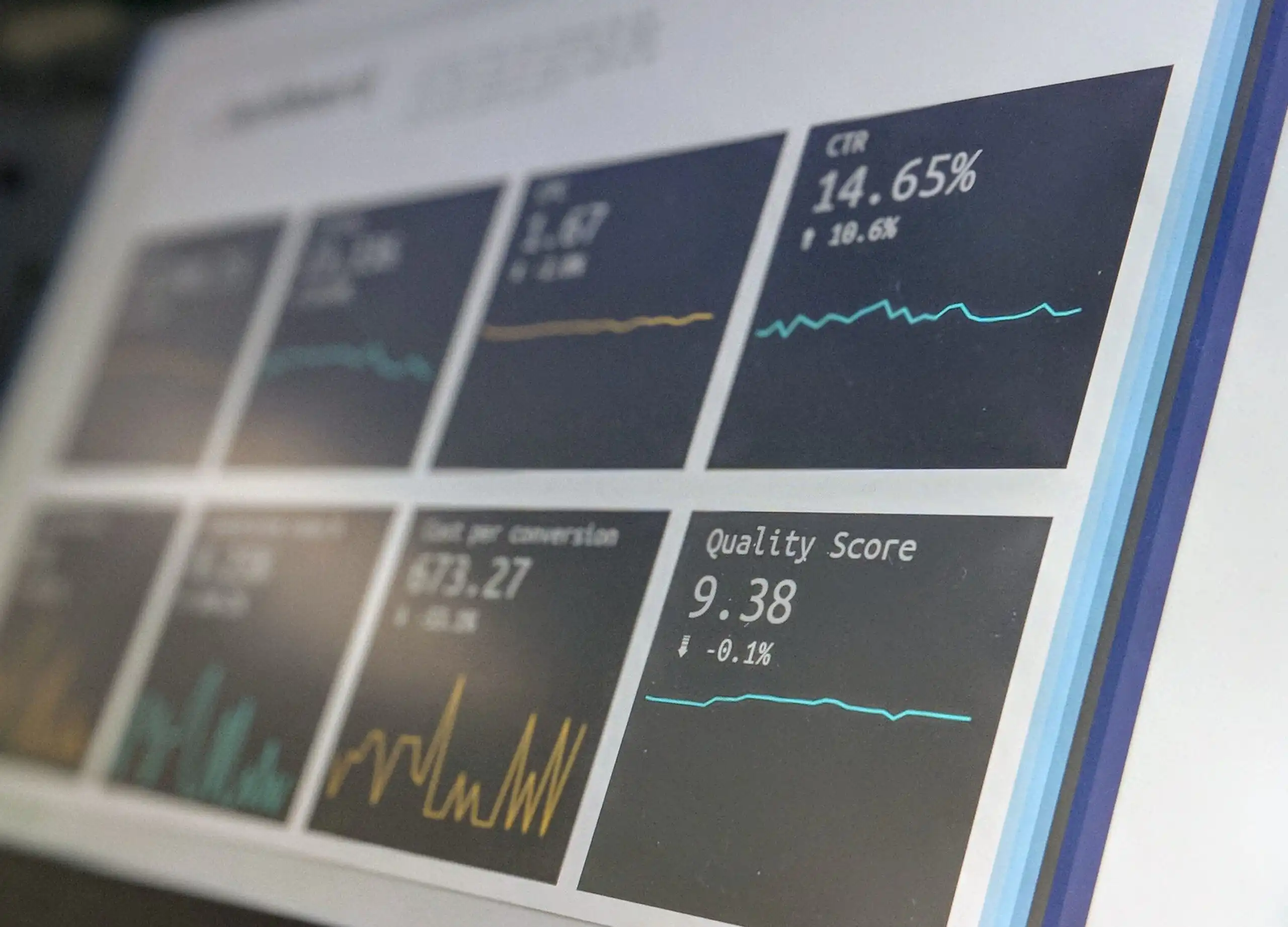
There are plenty of good BI tools on the market to choose from, but of course, the trick is to figure out which BI tool best suits your specific business needs. Keep these ten questions in mind, and you'll be well on your way to finding the right BI tool for your business.
1. Does this BI tool work with my data?
This is an important question, because when you’re choosing a BI tool, you need to know the details about your data. Is it structured, unstructured, or both? Does your business intelligence software run your analyses on-premises, in the cloud, or via a hybrid solution? What prebuilt connectors are available?
Based on these answers, you can determine whether a BI tool is flexible enough to easily connect to all your existing systems and standardize data from various sources.
2. Can I integrate with my existing business tools and software?
Just as with data integration, BI tools work seamlessly with software your users are already familiar with, such as Microsoft Excel. Make a list of commonly used tools that the BI software needs to be able to connect to. This should also include third-party apps, add-ins, extensions, and connectors that your company uses regularly.
3. Does the tool offer the security and compliance features I need?
These are important factors to consider when choosing a BI tool, especially if you operate in a highly regulated industry, such as financial services or healthcare.
For any company, the most critical data includes confidential employee information, prices, and more. It is therefore crucial that critical information be stored securely, which is why it’s important for your BI tool to include encryption and protection, as well as internal security measures such as access control.
Also consider mechanisms for managing internal security by assigning user permissions and access controls. Groups, roles, and row- and column-based security can be used to ensure that users can see only the information they need—and nothing more or less.
4. What are the options for data visualization?
First, take a look at the data dashboards of a BI tool and determine how they can help your organization gain new insights. After all, these dashboards are used daily by a large number of users.
The best data visualization tools feature an intuitive interface that allows users to explore and present data in various ways, regardless of their technical skills.
5. Can I easily share insights with my organization?
Sharing insights to drive action is one of the greatest benefits of business intelligence.
To support collaboration, the BI tool should make it very easy for you to share reports, dashboards, and datasets. Basic tools stop there, but premium BI tools offer a wealth of collaboration features. They support permissions, groups, and roles. They help you organize and group content—such as dashboards, ad hoc reports, and datasets—based on your internal team structure. Another very useful feature is scheduling reports or dashboards, which allows you to set up automatic delivery of reports via email.
6. Can I use this BI tool on the go?
Mobile features provide access to real-time data and enable you to make data-driven decisions on the go when working remotely. Talk to your employees who work in the field or at remote locations to find out what level of mobile access they need. This can range from viewing dashboards and reports to creating and editing analyses using mobile tools. Also determine whether the BI tool’s features align with your company’s broader mobile strategy.
7. Does the BI tool fit within my budget?
With options ranging from €0 to €650+ (depending on the number of users), there’s definitely a tool that fits your budget. It’s all about weighing the cost against the usability and the features you need.
What else do you use in your data stack? You can use all of these tools with virtually any data stack, but tools like Power BI and Google Data Studio integrate more easily into the Microsoft and Google stacks, respectively.
8. What training is offered?
Business Intelligence tools require training and support, both at the start and when new features are added. Check what training options are available. Is training included, or do you need to arrange it internally? Are online courses available if you need to provide training to employees spread across different locations? What kind of training is offered for software updates?
In addition to traditional training and education programs, there are also user communities where you can get tips and advice from colleagues and product experts. Before selecting a business intelligence tool, you can look for forums, blogs, and user groups that can help provide training and support.
9. Does the supplier have a solid reputation?
Evaluating your business intelligence vendor is just as important as reviewing the tool’s features. Take the time to research the vendor’s reputation and stability to ensure long-term viability and to guarantee ongoing support. When choosing a provider, look for an industry leader with a wide range of offerings that meet your organization’s current and future needs.
10. Can I get a free trial?
Since all these features—from integration to collaboration—need to be easy for everyone to use, it’s best to look for a trial offer that lets you test the tool. If possible, have users from different functional areas try out the program and provide feedback. This is the easiest way to know for sure whether a specific BI tool is right for your organization.


