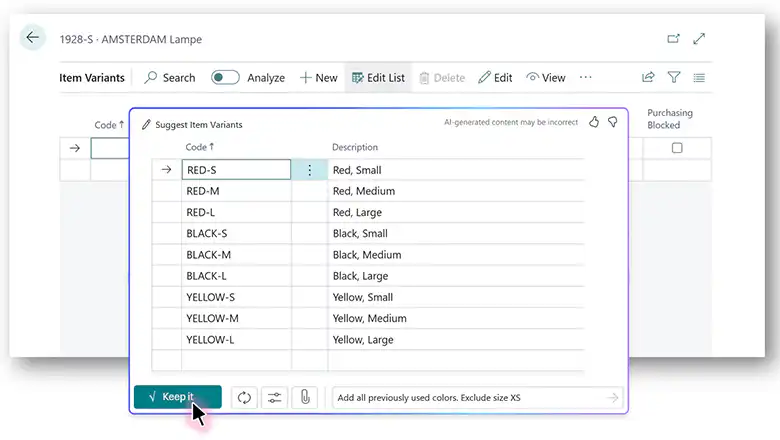
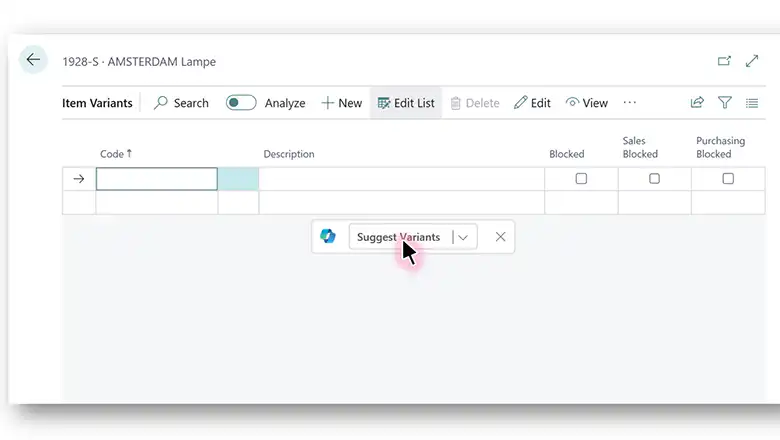
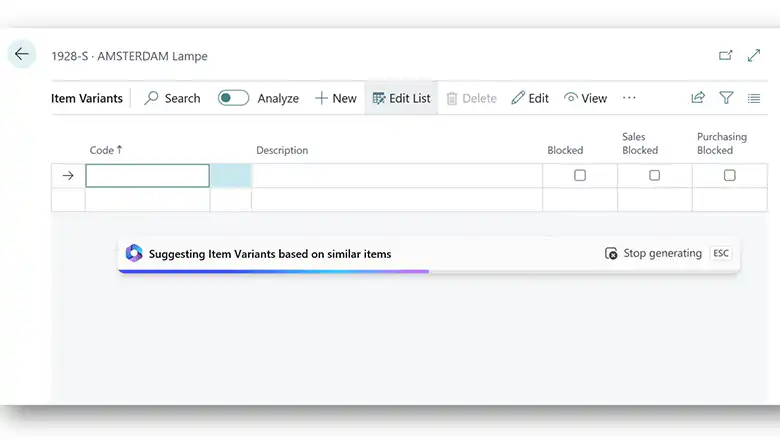
In a world of rapid business change, companies often need to evolve their product portfolios. Whether it’s new products, modifications to existing products, or entirely new product lines and categories, creating and managing product information in Business Central can take quite a bit of time. The upcoming Dynamics 365 update addresses this challenge with Copilot.
Product information is often scattered, which can sometimes make it hard to keep track of everything. However, Dynamics 365 Copilot for Business Central steps in to simplify this task for you and accelerate the time to market for new products, so you can meet customer demand more quickly.
Dynamics 365 Copilot helps you create information for items based on similar items. Among other things, it suggests:
- Variations
- Units of Measurement
- Substitutions
- Dimensions
When you manage a product and work with the pages that manage this information, Dynamics 365 Copilot suggests the necessary data. Using the power of AI, it searches for similar products and suggests data for the corresponding tables.
The benefits at a glance:
- With Copilot, you can view the product information in Business Central create faster, allowing you to anticipate trends and market demands
- The suggestions provided by AI reduce the likelihood of errors and ensure accurate product information
- With a faster time-to-market, you'll be able to respond quickly to customer needs and market competition.
Below is what the update looks like in practice: