
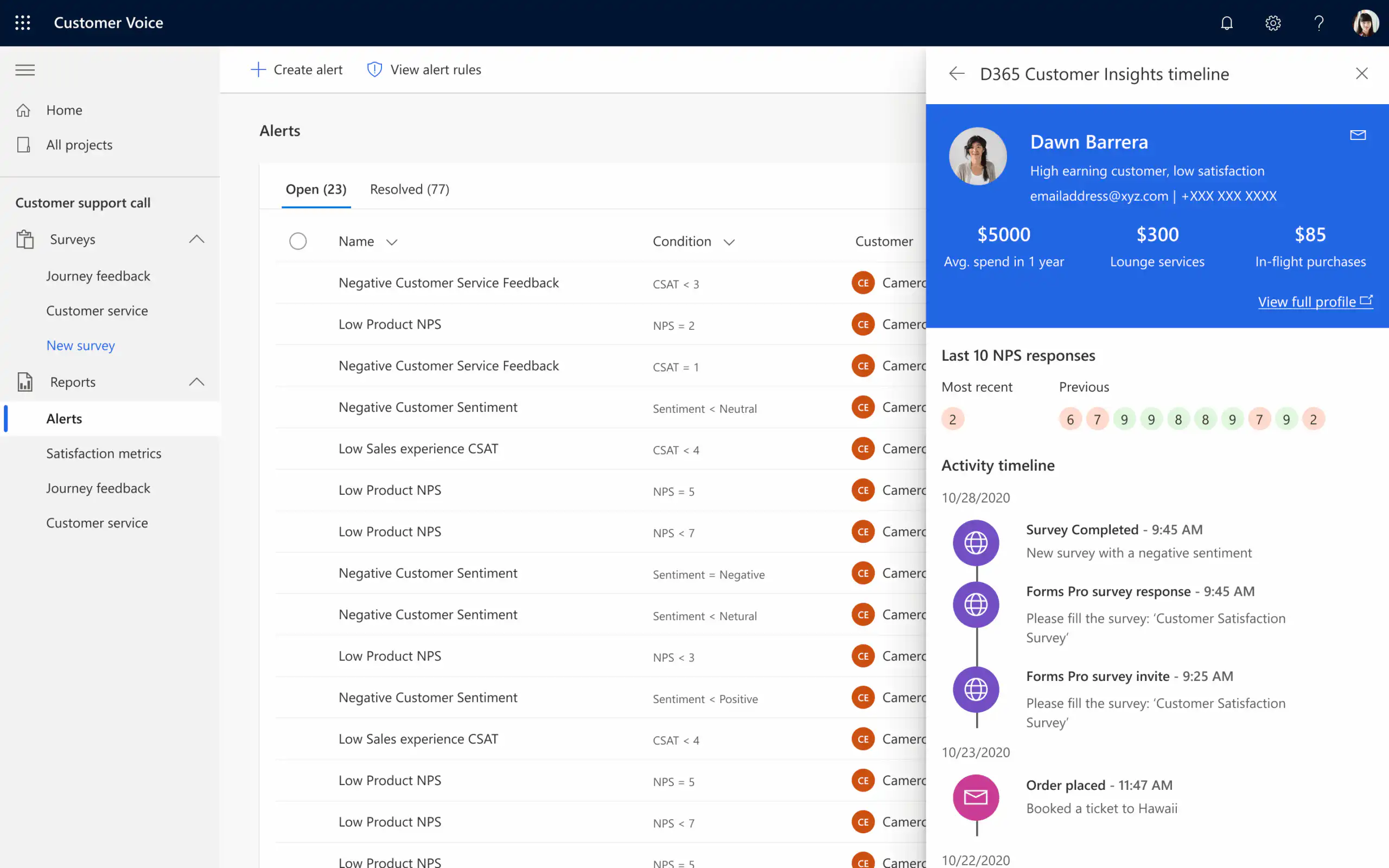
Your customer expects you to know them and to provide personalized service. That’s why some companies deliver impressive customer experiences, thanks in part to the extensive digitization of customer processes. They do “everything for a smile.”.
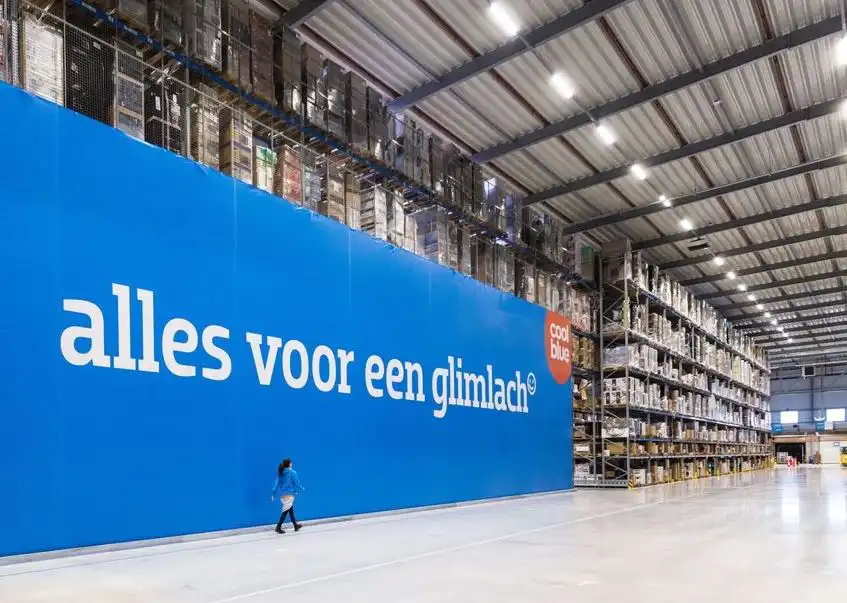
In stark contrast to these shining examples, many companies struggle to measure up. To provide personalized service to a large number of customers, a A 360° view of the customer is essential. And that’s not easy, because customers are interacting with companies through more and more channels. As companies set up multiple digital channels, this (sometimes) creates just as many additional data silos.
Microsoft Customer Insights Breaks Down Data Silos by consolidating all customer data and integrating it into automatically generated customer profiles. This creates the necessary foundation for personalized customer experiences to achieve.
What is Microsoft Customer Insights?
Customer Insights Is it online? “Customer Data Platform” from Microsoft. The platform connects to many different types of systems that contain customer data, and then Automatically generate unique customer profiles to generate using artificial intelligence.
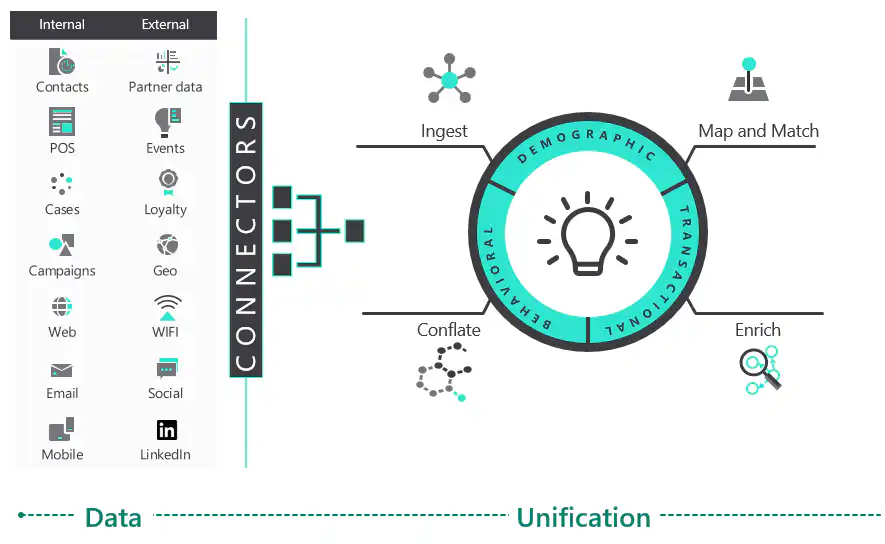
1. ”Ingest”
Customer Insights retrieves customer data from various data sources and collects it in a “Data Lake.” This can be done either in Microsoft Azure or in your own Data Lake.
2. “Map and match”
Customer Insights uses artificial intelligence to automatically recognize data and map it to the Common Data Model, and to match customers from different data tables with one another in order to generate unique customer profiles.
3. “Enrich”
The purpose is to enrich the generated customer profiles with category information from Microsoft profile data. This step is optional.
4. “Conflate”
The customer profiles can then be used to calculate metrics such as average purchase amount, total purchase amount, etc. This can be done both at the level of an individual customer profile and at the company level (i.e., all customer profiles combined). Using these calculated metrics, you can create new segments for targeted sales and marketing campaigns.
What makes Microsoft Customer Insights so unique?
Developing a Customer Data Platform (CDP) on your own requires a lot of work. Not to mention the in-depth technical expertise needed to design and develop the technical architecture of a CDP.
Furthermore, in-house CDPs are much more difficult to maintain compared to Microsoft Customer Insights. Compared to the “Build your own” approach, Microsoft Customer Insights is exceptionally flexible. The process of consolidating customer data into comprehensive customer profiles is surprisingly easy to configure. Even someone with a “data analyst” background can get started right away.
Who is it intended for?
For companies and organizations facing the challenge of centralizing customer data from various data sources, Microsoft Customer Insights can be the ideal tool for quickly implementing a Customer Data Platform.
What insights can you gain from this?
Here are a few examples of insights you can gain from Customer Insights based on your customer data:
- customer value
- customer loyalty / churn
- brand affinity
- changes to the customer profile
- user behavior
- purchasing behavior
- customer engagement
- …
How can you use Customer Insights effectively?
Once your Customer Data Platform is set up, it's time to take action. Here are a few examples.
Defining Target Audiences
With the complete customer profiles in Customer Insights, you can create new segments using all customer information. You can automatically export these segments to a marketing list in Dynamics 365 Sales or to a segment in Dynamics 365 Marketing.
For example, you can create a segment of your “high-value customers” to invite them to an exclusive launch of your latest product, or compile a list of “dormant” customers with the aim of reactivating them through a targeted promotional campaign. You can let your creativity run wild to develop targeted sales and marketing campaigns by leveraging the full potential of your customer profiles.
Visualizing Activities by Customer
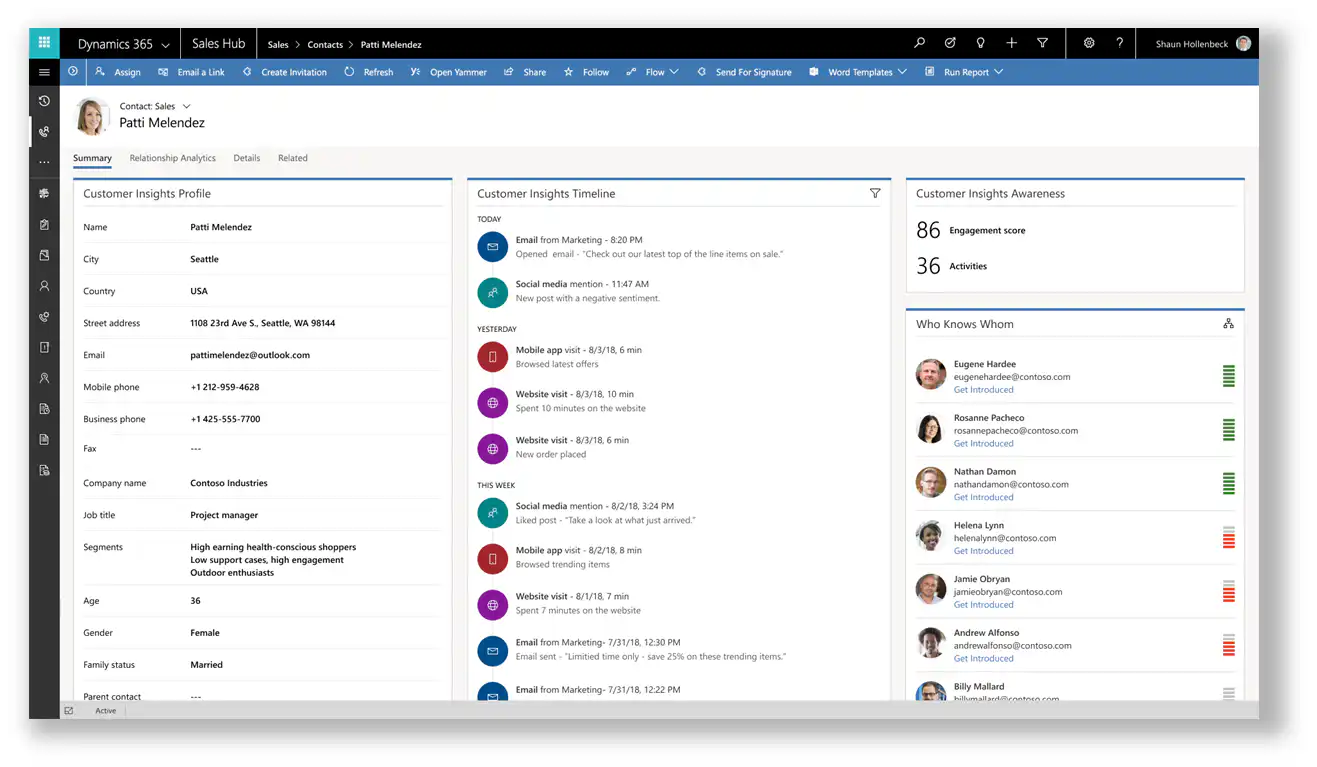
Every customer interaction or transaction—such as a purchase made through a retailer (provided a loyalty card is used), every product review on the website, every purchase on your e-commerce website, … these are all individual activities that you can view in a timeline on a Contact’s form in Dynamics 365. This allows you to see all relevant events on the customer profile.
Generate personalized recommendations
Based on a customer profile, you can automatically generate one or more “recommendations” and display them in an app for the salesperson on site.
Triggering Automatic Actions
With Microsoft Power Automate, you can trigger automated actions when a customer profile changes, such as sending notifications to a sales representative, flagging a customer for personal follow-up, or sending an email to the customer.


