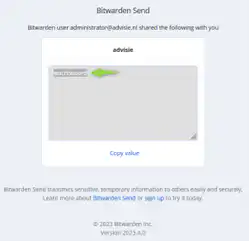
Step-by-Step Guide for Providing Confidential Data
In this FAQ, we’ll walk you through the steps you need to take to share confidential data using Alistar.
Step 1: Retrieve the link from a ticket in the Alistar Customer Portal
Go to the customer portal from Alistar and copy the link provided in the ticket. See the example link below:
https://vault.bitwarden.com/#/send/esJKkw-tCEu7d6_4AG6_dw/CtYb-97h0pV3l8VulFEChA
Copy the link into a new browser window of your choice, such as Edge or Chrome. Check to see if the connection is secure.

Step 2: Enter the password you received
Enter the password you received by email from the Service Desk or from the security officer.
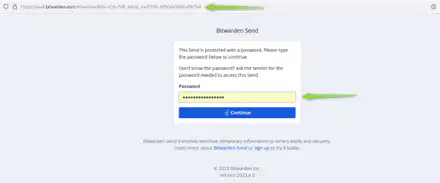
Click "Continue" to view the available confidential data. Please note that the link is valid only once for security reasons.