
To view or edit invoicing authorizations in Exact Proquro (P2P), follow these steps:
Step 1. Navigate to Billing Authorizations
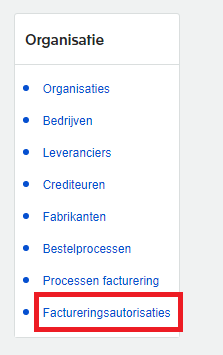
Open the [Administration] module and navigate to billing authorizations via Organization > Billing Authorizations.

Step 2. Find and change the appropriate authorization
Select the criteria for, say, a cost center, and click the Search button.
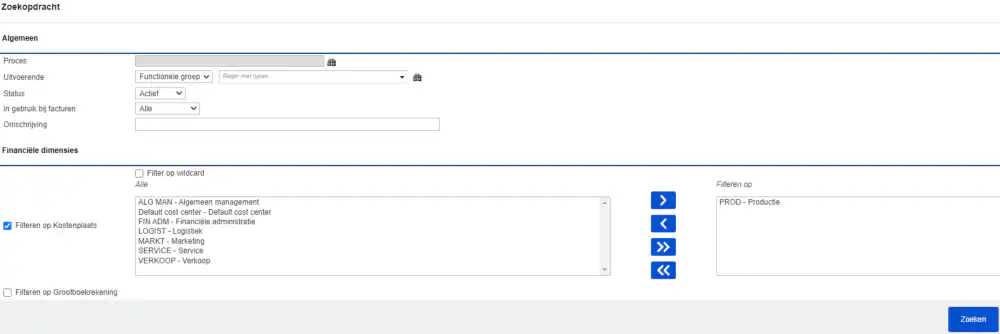
After searching, a results screen will appear where you can click the icon to view or edit the result.

After completing this step, you will have successfully viewed or modified the billing authorizations.