
You can check the mailbox read task in Exact Proquro (P2P) by following these steps:
Step 1. Navigate to the task via the Administration module
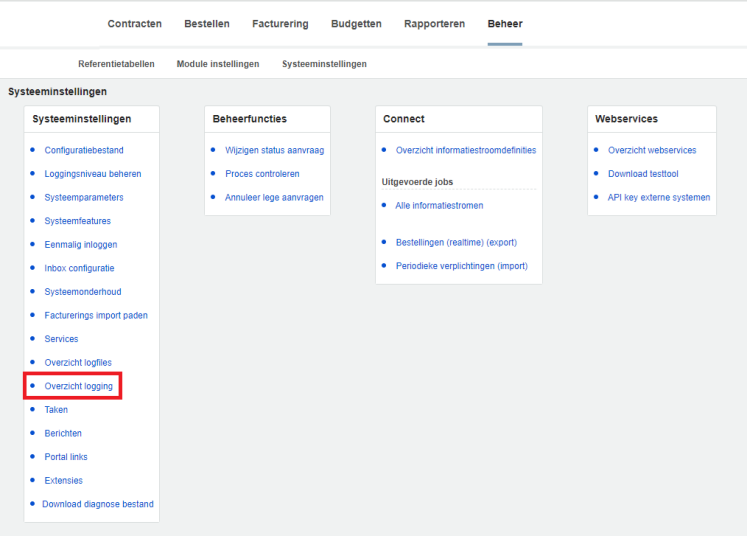
Open the [Administration] module and navigate to Tasks via System Settings > Log Overview.
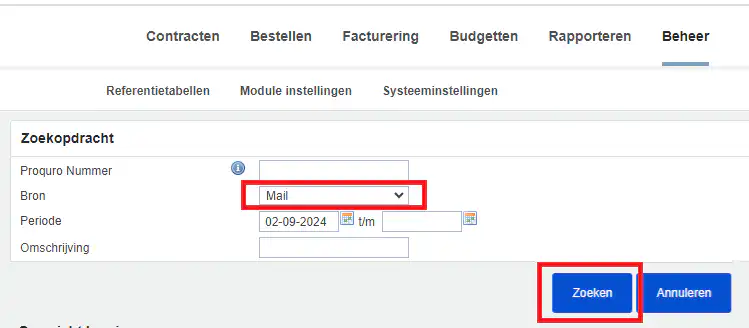
In this menu, select "Mail" as the source, specify a time period, and click "Search.".
Next, you'll see the automated messages that have been sent to users.