
A extra To add a BIC/SWIFT code in Exact Proquro, follow these steps:
Step 1. Go to Bank Information
Open the [Administration] module and navigate to bank information via Module Settings > Billing > Bank Information.
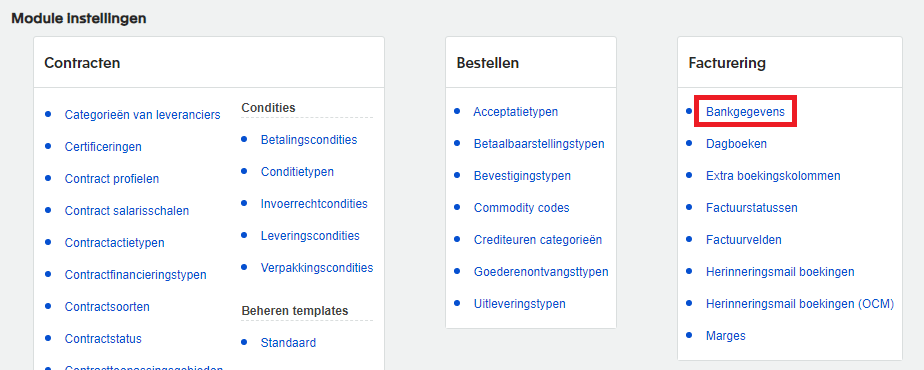
Step 2. Add a new code
Click the Add button, enter the BIC/SWIFT information (as shown in the example) on the next screen, and then click Save (at the bottom right).
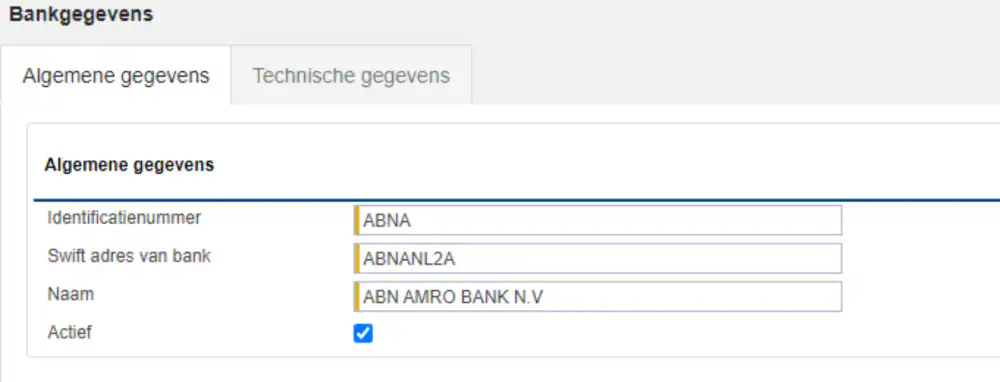
After saving, the new BIC/SWIFT code has been successfully added to Exact Proquro.