
You can add a new purchase order authorization in Exact Proquro by following these steps:
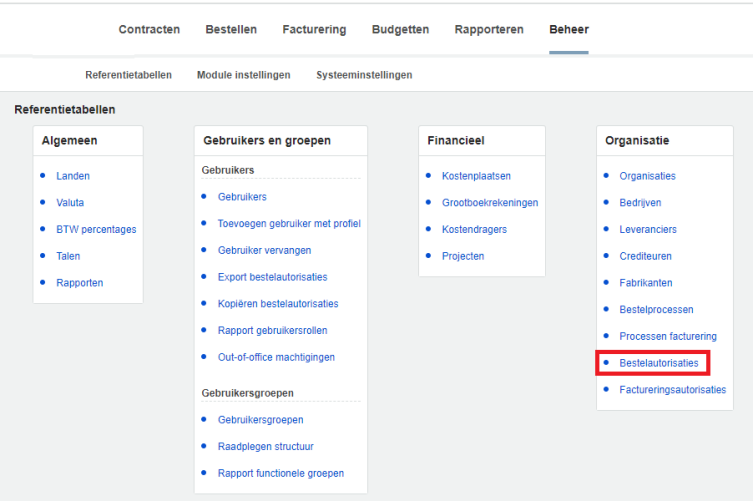
Step 1. Navigate to Purchase Authorizations via the Administration module
Open the [Administration] module and navigate to purchase authorizations via Organization > Purchase Authorizations
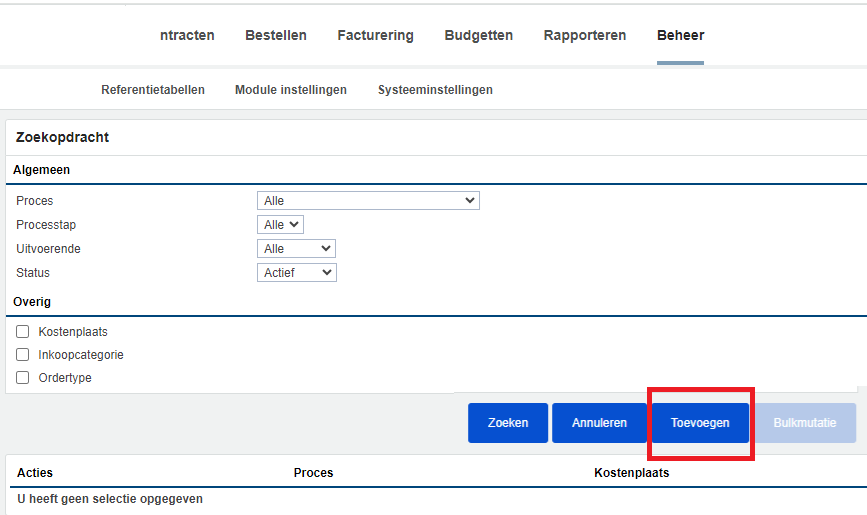
Step 2. Click the Add button
In the next menu, select the desired criteria and then click Add.
After execution, the order authorizations were successfully added to Exact Proquro.