
To request order authorizations in bulk within Exact Proquro, follow these steps:
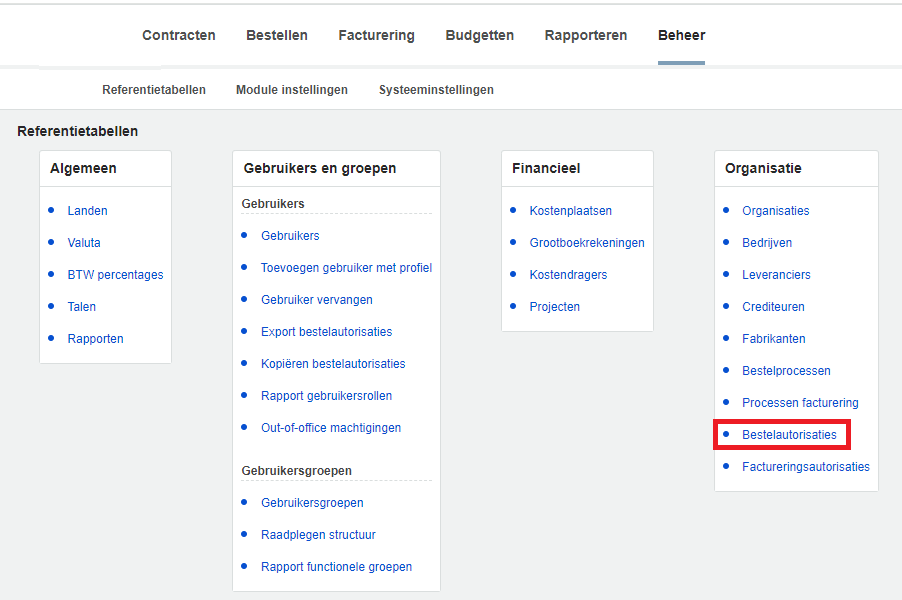
Step 1. Go to "Bulk Order Authorizations" in the "Management" module
Open the [Administration] module and navigate to purchase order authorizations via Organization > Purchase Order Authorizations.
Step 2. Select the criteria and proceed
In this menu, select the order authorizations you want to request in bulk, and when you're done, click "Next Step.".
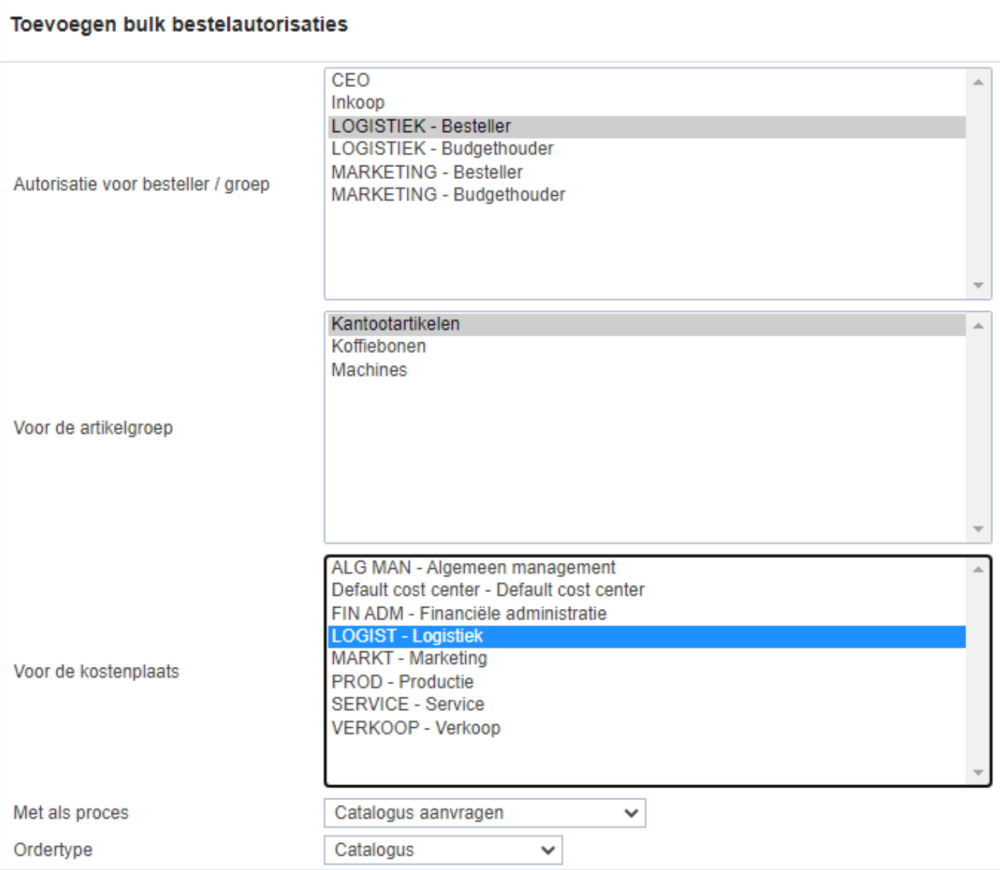
In the next menu, select the desired criteria and then click Add.
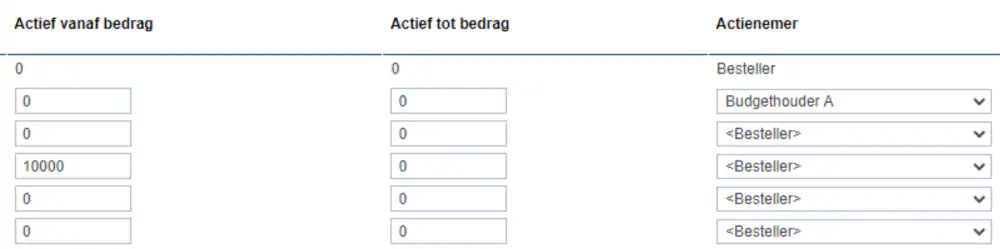
After adding the purchase authorizations, a report will appear indicating whether the process was completed correctly. If the report indicates that the process was completed correctly, you have successfully added the purchase authorizations in Exact Proquro.