
Change Your Password in the Business Cloud
In the Business Cloud, you can change your password through our CSS service. As a user, you'll receive an email 10 days before your password expires with instructions on how to change it:
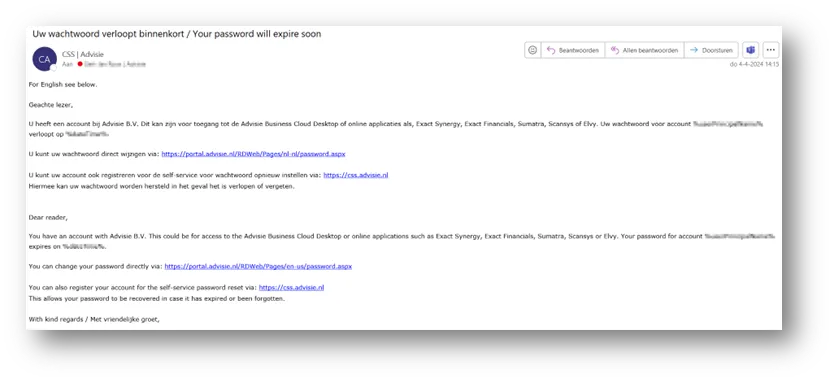
In this email, you can change your password right away or register for the CSS.
Change Password
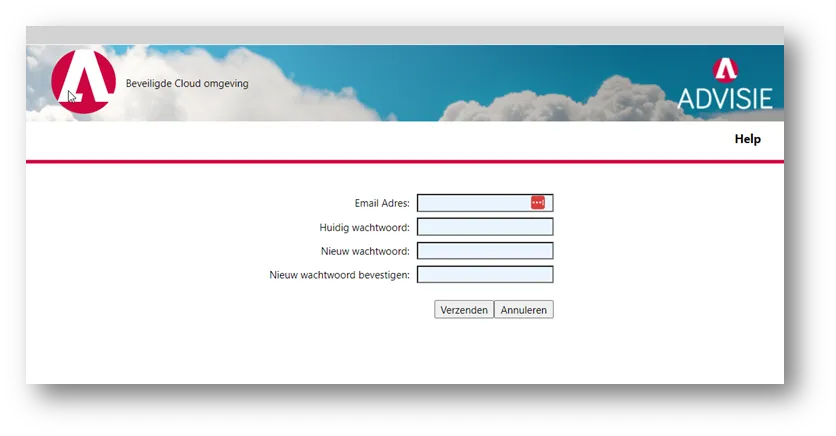
If you select ‘Change Password’ in this email, you’ll be taken to the following page. Here, you can create a new password yourself:
Register for the CSS portal
You can optionally ‘register’ an account in the Customer Self Service (CSS) portal via the second link:
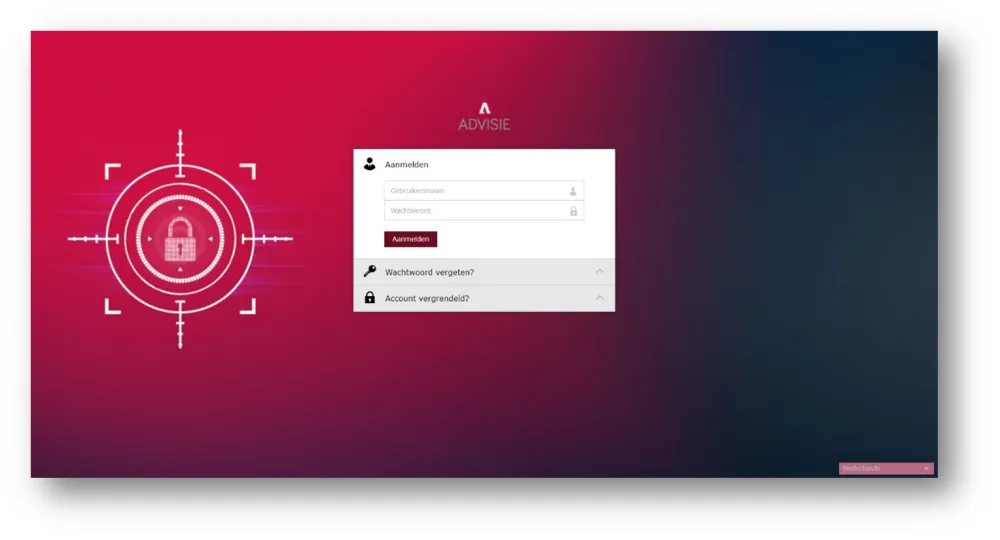
Once an account has been registered, it can be unlocked later on, or a password can be reset if it has expired or been forgotten.