
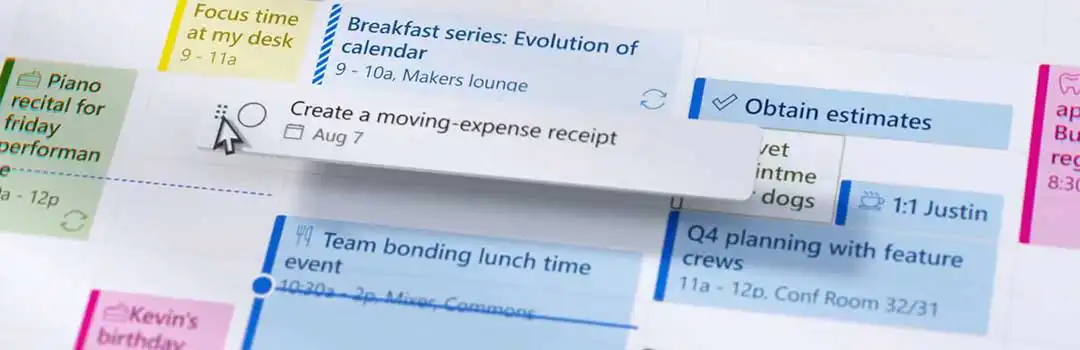
Microsoft Tasks is a central hub that allows you to manage all tasks within Microsoft 365 to manage—the productivity cloud with your familiar Office 365 apps. In the initial rollout, Microsoft Tasks will bring together all tasks from Teams, Outlook, Planner, Microsoft To-Do, and Office into a single view.
Simple and Transparent Collaboration
Microsoft Tasks is a major step forward in managing various tasks. From now on, you can do this all within a single cloud platform: Microsoft 365.
All the familiar Microsoft Office apps, such as Word, Excel, PowerPoint, … are also integrated with Microsoft Tasks. By simply using the ‘@’ mention, you can quickly assign a task to a person or a team. This task will then automatically appear in the Tasks overview.
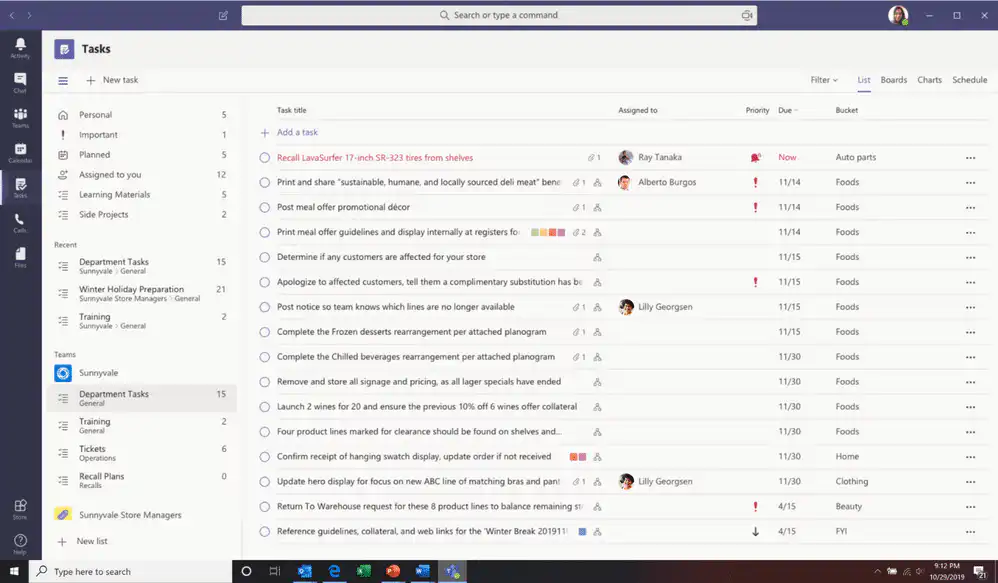
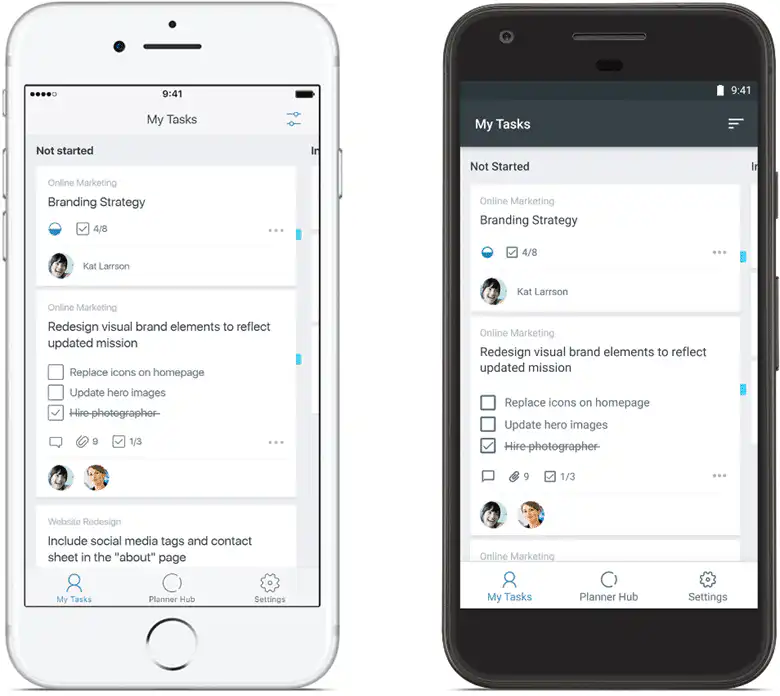
Within Tasks, you can also use different views, such as lists, charts, schedules, and kanban boards. In these views, you can distinguish between tasks assigned to you personally and tasks managed within a team. You’ll also immediately see the most important information, such as: Who is the task assigned to? What is the deadline, priority, status, etc.?.
With this new app, Microsoft offers a wide range of new features to help you stay on top of your personal tasks and those within a team.
Manage your tasks in a consistent manner from now on
Tasks is a super simple app designed for personal use in Microsoft Teams. It’s more like a bot that helps you create tasks and to-do lists. But what makes it so different? Well, the app quickly creates tasks in Teams from any Outlook messages you choose.
So, with just a few clicks, you can add all important events directly from the message. This ensures that you always stay ahead of your work schedule and never miss any tasks you need to complete. The app also includes the original message in the task’s body when you create it, so there’s no room for confusion. Plus, it even automatically adds the task to the Microsoft To-Do app for you.


