
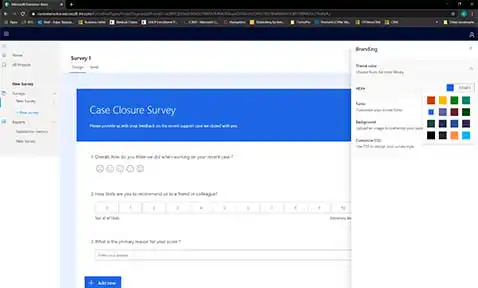
Customer feedback is essential for a successful organization. In this blog post, we'll be discussing Dynamics 365 Customer Voice, Microsoft’s application for collecting, automating, and analyzing customer feedback.
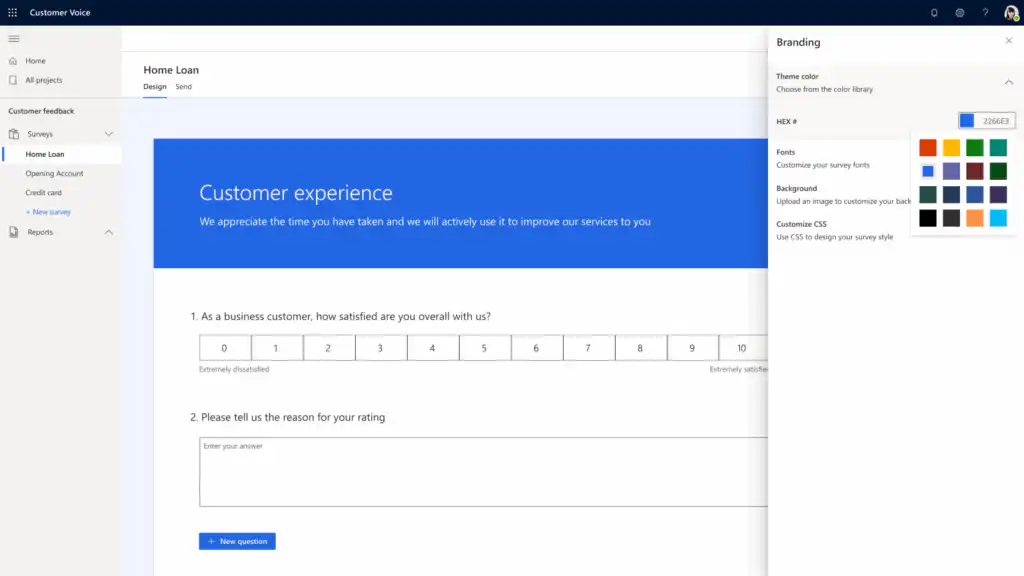
Dynamics 365 Customer Voice: 5 Major Benefits
- Use the ready-made templates with standard sets of questions for customers, employees, and events. These standard questions are fully customizable and require no technical expertise to use or modify.
- Through the built-in integrations You can integrate data across the entire organization with all other Microsoft business applications and third-party applications. For example, combine real-time feedback from Customer Voice with customer data in Dynamics 365 Customer Insights to develop uniform customer profiles and create more personalized interactions.
- To get clearer feedback from customers, you can satisfaction statistics Assign (Customer Satisfaction (CSAT), Net Promoter Score (NPS), Sentiment) to different surveys. A dashboard is automatically created for each set of metrics, showing recent scores and trends.
- Use the option to warnings to set up the system so that employees are immediately notified when a customer provides negative feedback and customer satisfaction declines.
- Feedback is automatically classified using the Microsoft's latest AI technology. That way, feedback is automatically translated into areas for improvement and priorities for you and your employees.
Tip! Customers like to receive feedback on their feedback. Be sure to let your customers know which areas for improvement your organization will focus on in the future. That way, they’ll see that their opinions matter!
Watch the demo
We created a short demo on Dynamics 365 Customer Voice. Discover how you can easily create surveys and send them to contacts.
Tip! Automate the sending of surveys with Dynamics 365 Customer Voice in the following common scenarios:
- after closing a case;
- after completing a project;
- after an Order is created (i.e., when an order is received) to capture any additional necessary information.
What about Microsoft Forms Pro?
Dynamics 365 Customer Voice replaces Microsoft Forms Pro. Existing Microsoft Forms Pro customers will be migrated to the new product, with all existing Forms Pro survey data preserved. All active surveys and Power Automate flows will continue to function.
For more information about the transition from Microsoft Forms Pro to Dynamics 365 Customer Voice, visit this page: https://docs.microsoft.com/nl-nl/dynamics365/customer-voice/forms-pro-transition


