
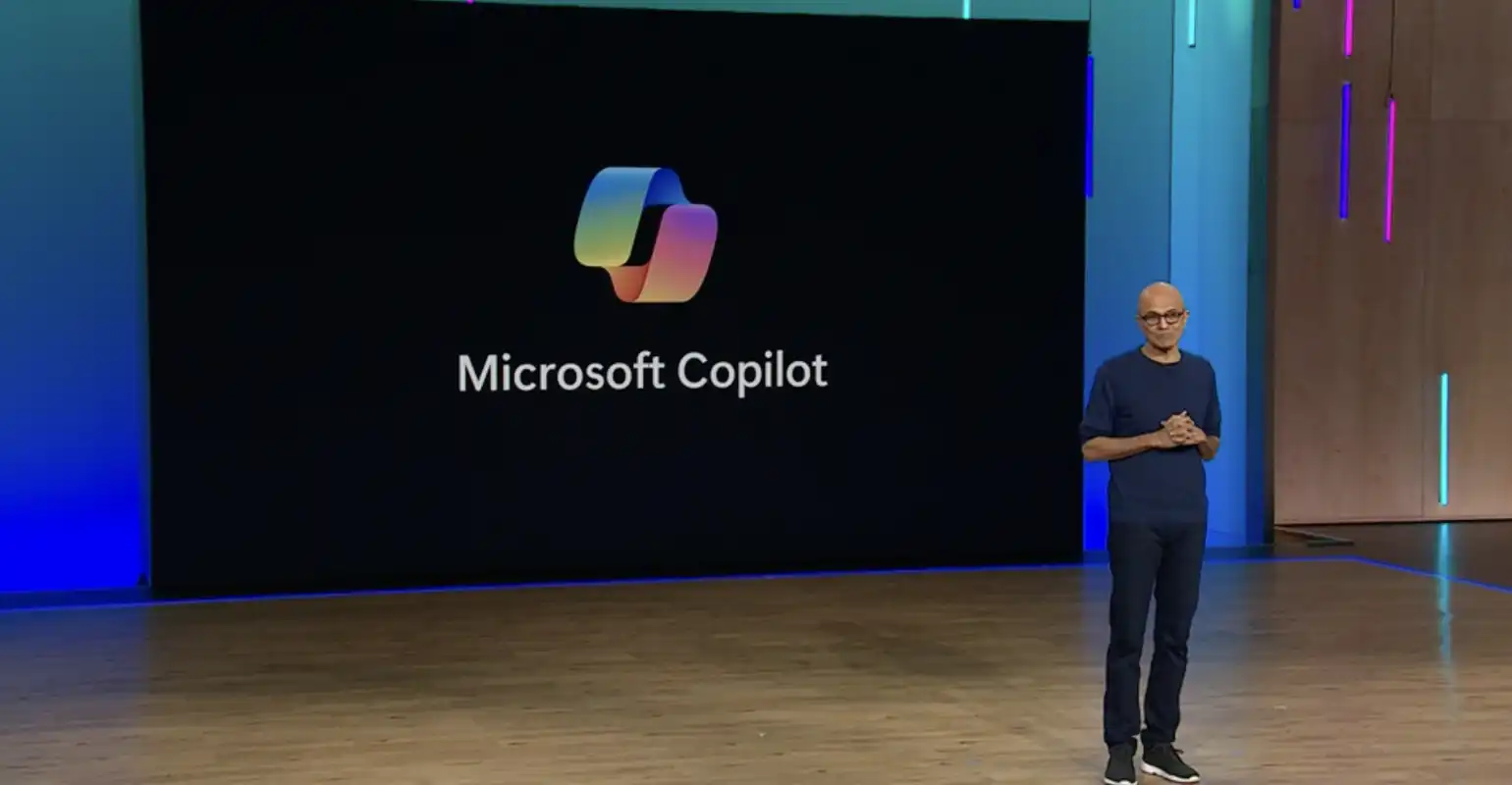
Microsoft Ignite, Microsoft’s annual showcase, was entirely focused this year on Copilot, which has replaced AI as the buzzword in Microsoft’s product announcements. Microsoft CEO Satya Nadella hailed “the era of Copilot” and said during his opening keynote that “Copilot is becoming the new UI.” During Ignite 2023, more than 100 announcements were made regarding improvements to products that use the Copilot stack.
Read the highlights below
Eight months ago, Microsoft introduced Copilot for Microsoft 365, the AI assistant designed to help people focus on work that is ‘uniquely human.’ The experiences of the first users are already striking:
- 70% of Copilot users said they were more productive, and 68% said it improved the quality of their work
- In general, users of 29% were faster at specific tasks (searching, writing, and summarizing).
- Users caught up on a missed meeting nearly four times faster.
- 64% of users said that Copilot helps them spend less time processing email.
- 87% of users said that Copilot makes it easier to start working on a first draft.
- 75% of users say that Copilot “saves me time by finding what I need in my files.”.
- 77% of users said they wouldn't want to stop using Copilot once they started using it.
Below, we'll take a closer look at a few key areas from the Copilot announcements at Microsoft Ignite.
Expanding the Microsoft Copilot Experience
Over the past year, Microsoft has refined its vision for Copilot. To go beyond individual productivity, they are expanding the Copilot offering with solutions to transform productivity and business processes for every role and function, from office workers and frontline employees to developers and IT professionals.
- Microsoft Copilot for Microsoft 365
Based on the experiences of early adopters (customers such as Visa, BP, Honda, and Pfizer), new value is being added. The new dashboard shows customers how Copilot is impacting their organization, with insights such as those found in the Work Trend Index. There are new personalization options that allow Copilot to provide answers tailored to your unique preferences and role. To promote teamwork, new features in Outlook help you prepare for meetings, and during meetings, new whiteboard and note-taking experiences for Copilot in Teams ensure that everyone is on the same page.
- Microsoft Copilot Studio
Microsoft Copilot Studio is a low-code tool designed to customize Copilot for Microsoft 365 by integrating business-critical data and building custom copilots for internal or external use. Copilot Studio works with connectors, plugins, and GPTs, allowing IT teams to direct Copilot to the best data sources for specific queries.
- Microsoft Copilot for Service
Copilot for Service helps existing contact centers expand their capabilities with generative AI. During customer interactions, agents can ask Copilot for Service questions in natural language and receive relevant insights based on data sources from knowledge bases, leading to faster and smarter solutions.
- Copilot in Microsoft Dynamics 365
By combining the power of generative AI and mixed reality, this copilot helps frontline workers perform complex tasks and resolve issues more quickly without disrupting the workflow. The hands-free copilot, which is initially available on HoloLens 2, will help professionals in the service industry use natural language and human gestures to provide interactive guidance via holograms superimposed over equipment.
- Microsoft Copilot for Azure
An AI companion that simplifies day-to-day IT management. It offers a consistent chat experience that understands the user’s role and goals and enhances their ability to design, operate, and troubleshoot apps and infrastructure. Copilot for Azure helps IT teams gain new insights into their workloads, unlock underutilized Azure capabilities, and orchestrate tasks.
Making Copilot Accessible to Everyone
Making Copilot more accessible to everyone starts with Bing. Bing Chat and Bing Chat Enterprise are now simply Copilot. This means that customers using Copilot in Bing, Edge, and Windows—when signed in with a Microsoft Entra ID—will benefit from enterprise-grade data protection. Copilot (formerly Bing Chat and Bing Chat Enterprise) will be generally available starting December 1.
Strengthening the Connection Between Data and AI
AI is only as good as the data that feeds it, which is why Microsoft is committed to creating an integrated, streamlined experience to connect your data to our AI tools. Microsoft Fabric is part of that solution; it transforms the way teams work with data by bringing everyone together on a single AI platform that consolidates all data on an enterprise-grade data foundation.
Enabling the Responsible Use of AI
Microsoft leads the industry in the safe and responsible use of AI. The company has set the standard with a groundbreaking commitment to defend and indemnify commercial customers against copyright infringement lawsuits—the Copilot Copyright Commitment (CCC).
Today, Microsoft is taking it a step further by announcing the expansion of the CCC to customers using the Azure OpenAI Service. The new benefit is called the Customer Copyright Commitment. As part of this expansion, Microsoft has published new documentation to help Azure OpenAI Service customers implement technical measures to mitigate the risk of infringing content. Customers must comply with the documentation to take advantage of the benefit.
Strengthening Defense in the Age of AI
Microsoft Sentinel and Microsoft Defender XDR (formerly Microsoft 365 Defender) are being combined into the industry’s first Unified Security Operations Platform, with built-in Security Copilot experiences. With built-in generative AI, it is a single, powerful experience designed to protect against threats at machine speed and help defenders by simplifying the complexity of their environment.
In addition, the expansion of Security Copilot in Intune, Purview, and Entra helps IT administrators, compliance departments, and identity teams simplify complex scenarios. In Entra, identity administrators can quickly resolve identity access issues. In Purview, data security alerts provide rich context to resolve issues more quickly. In Intune, IT administrators can use “what-if” analyses to keep the business running while improving governance and compliance.
For your information: You can watch the Ignite keynote sessions by Satya Nadella, Rajesh Jha and Jared Spataro, Charlie Bell and Vasu Jakkal, and Scott Guthrie on-demand view. You can also learn more about all these announcements in the Microsoft Book of News 2023.


