
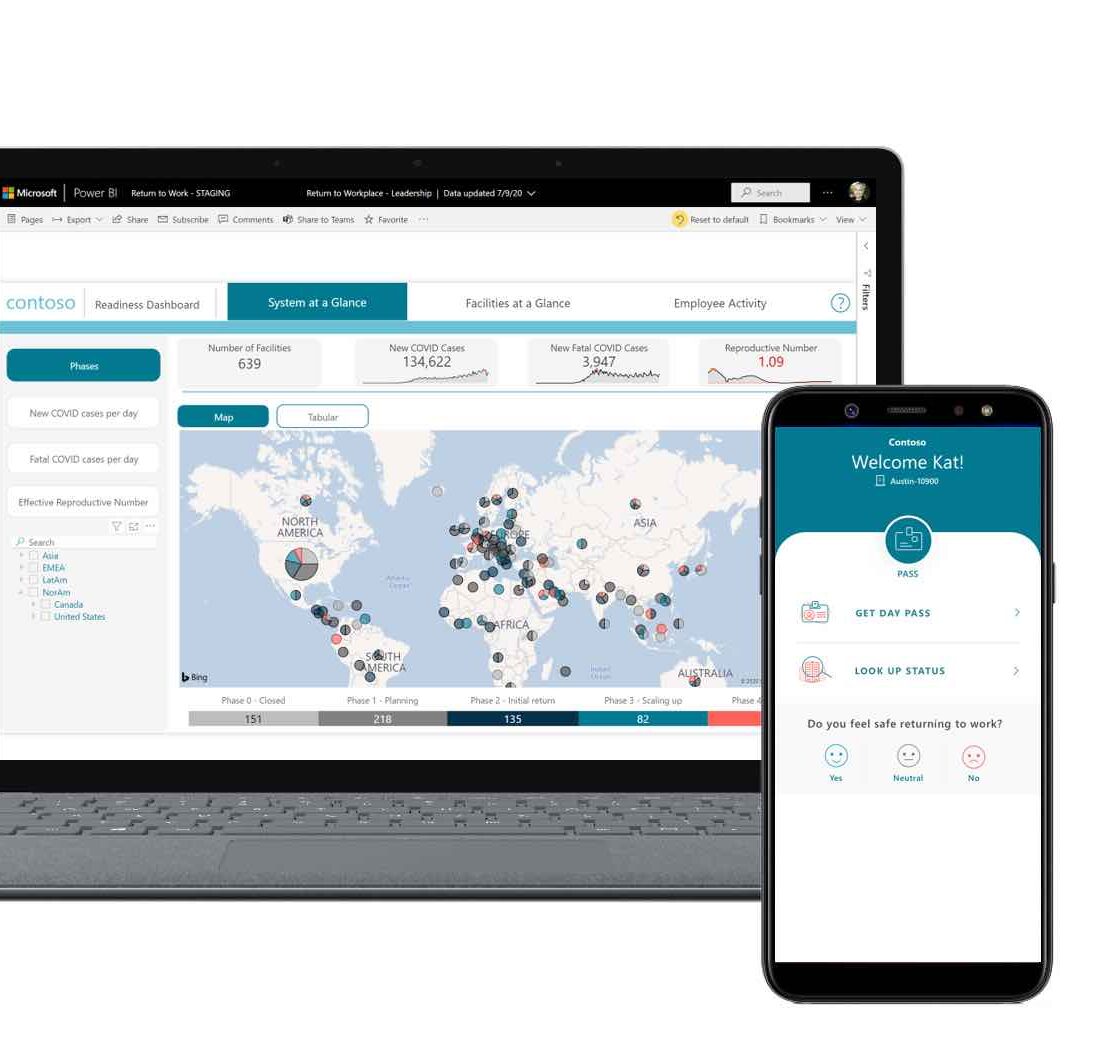
Returning to the office means—once again—dealing with paperwork. Thanks to the ‘Office Attendance App,’ you no longer have to go to your HR manager or the HR department to report your attendance. Via PowerApps You can quickly check in using your smartphone or computer. That way, you'll know right away who's in the office, whether you're staying within the quota, and you'll have a handy list on hand for verification!
As long as we follow the safety measures, we can finally meet our coworkers ‘in person’ again—or at least some of them. By now, the procedure sounds familiar to us. Wash your hands with hand sanitizer, maintain a distance of 1.5 meters, and wear a face mask to protect others from harm.
Recorded this way using the app: "In the office"
Saving time is easy if you simply sign up using the device of your choice—whether it's on your smartphone while you're having breakfast so you definitely won't forget, or on a computer using your work account.
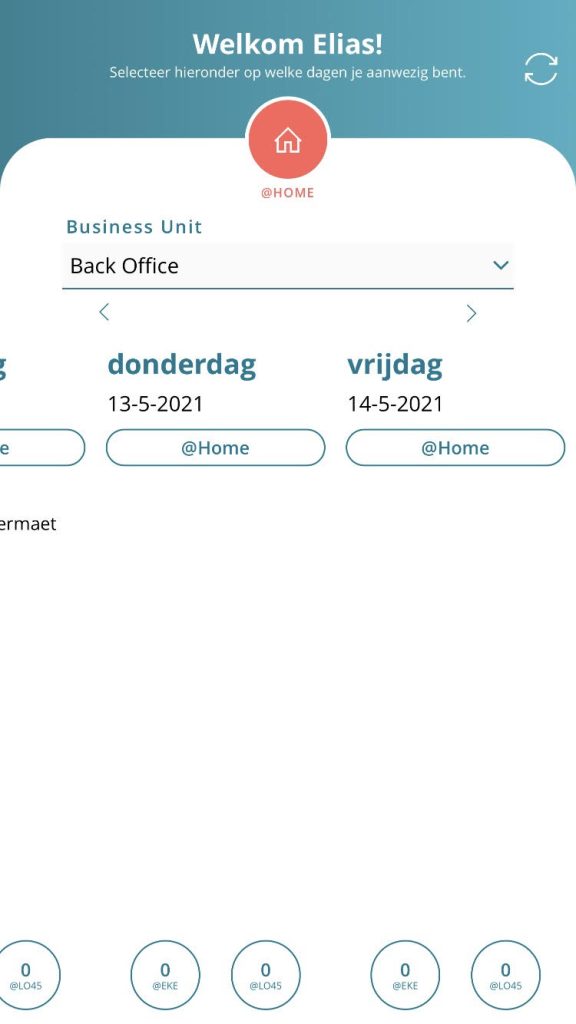
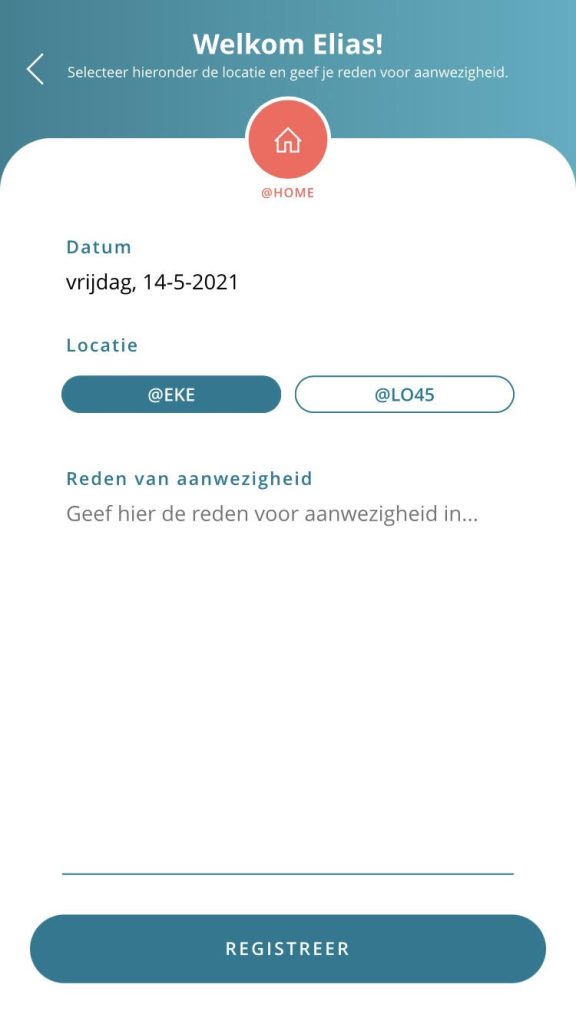
With a quick download, the app is already on your device. With just a few clicks, you can verify your identity. Next, indicate which office you’re going to by changing your @home status to your office location. A tab will then appear where you can briefly describe your presence. On what date are you in the office? At which location? Perhaps with a specific reason, such as an important meeting? Finally, you’ll log your presence, which helps lighten the load on HR, ensures everything is in order, and keeps things safe for you and your coworkers.
Here is an example:
In addition to the Return to the Workplace app, Power Apps even more to offer, such as your own personalized app.
Want to install the app, too?
No problem, Please contact us And we'll show you how! By the way, did you know that you can probably easily customize the app yourself to fit your specific environment without having to be a programmer?


