
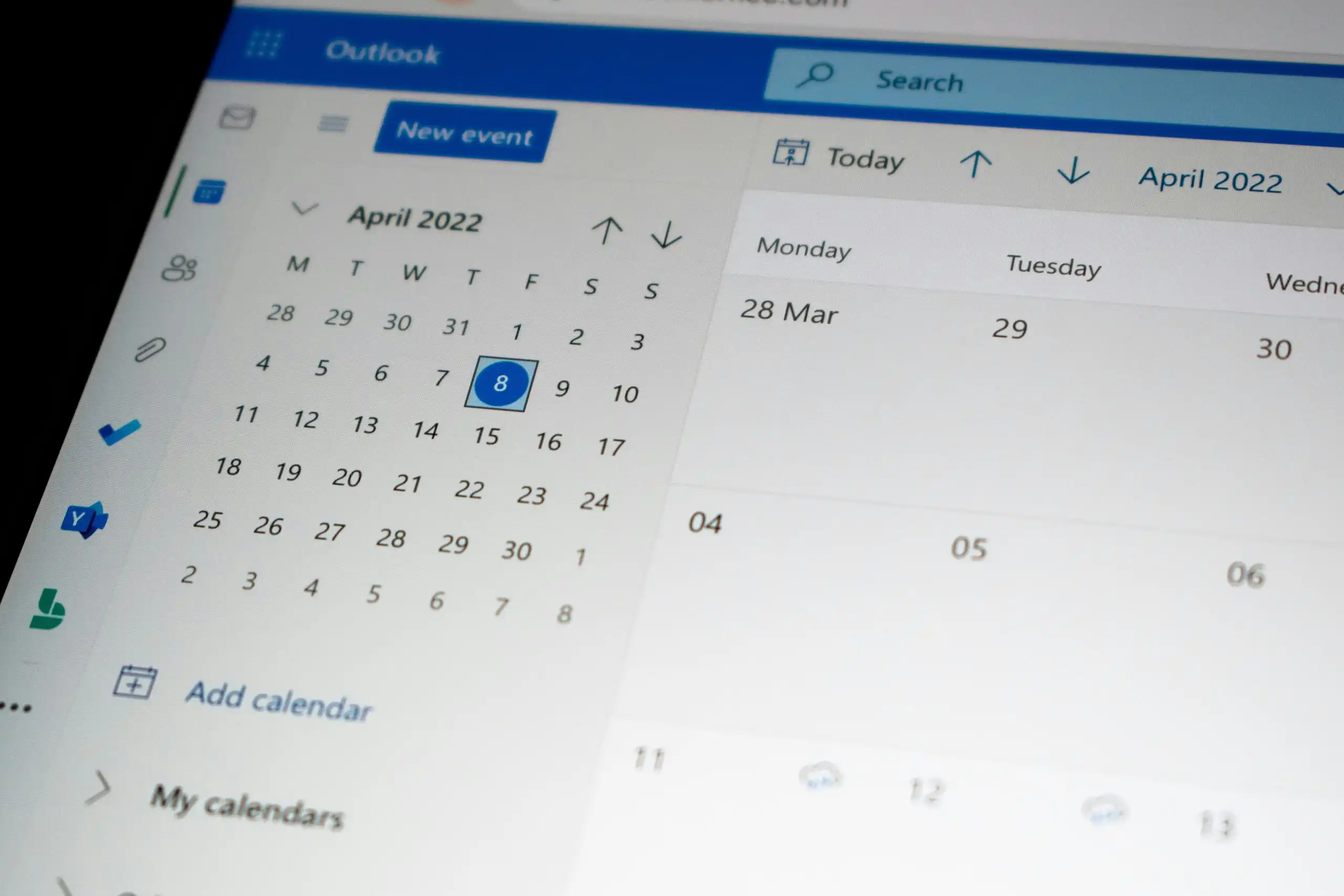
Starting October 31, Microsoft will switch to a more secure and faster protocol for Office 365 and Exchange Online mailboxes. As a result, older versions of Microsoft Outlook will no longer be able to connect to the online mail servers. Here's what you need to do, depending on your version of Outlook:
- Outlook 2007 is no longer supported. You'll need to upgrade to a newer version of Outlook or use Outlook in your browser.
- Outlook 2010, 2013, or 2016: Make sure you have installed all Office updates and service packs for your version
Our system administrators can quickly check which versions of Outlook are in use at your company. In addition, your Office 365 subscription may entitle you to install the latest version of Outlook for free. Our help desk would be happy to look into this for you: 09 340 66 59.
For the tech-savvy: The protocol that Microsoft will no longer support as of October 31 is RPC over HTTP; it will be replaced by MAPI over HTTP. MAPI over HTTP improves the reliability of the connection between your Outlook and the Office 365 mail servers, enables even more secure sign-in scenarios, and makes it easier for third-party identity providers to work with Office 365.


