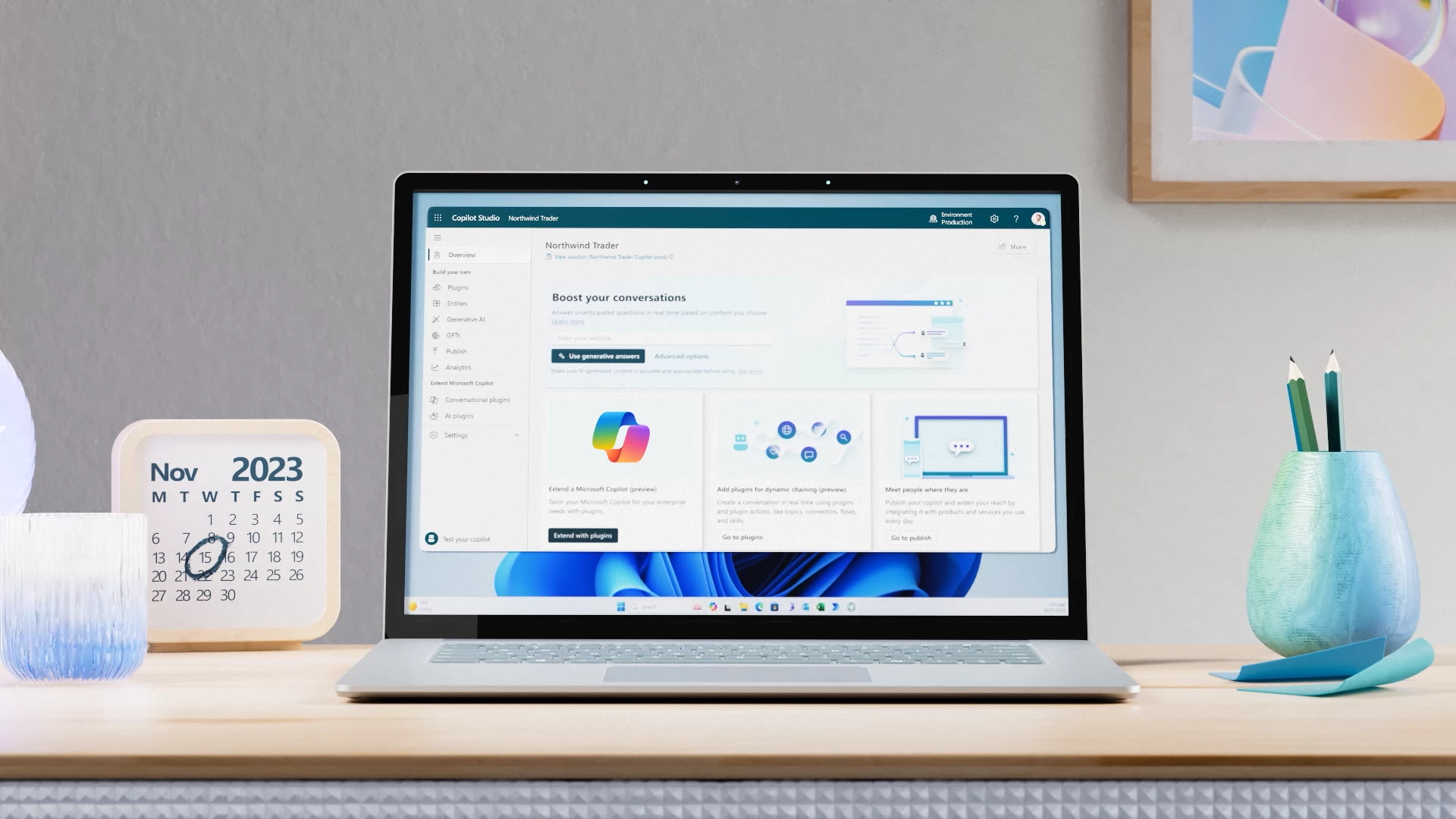
A short while ago, [name] announced Microsoft a new tool, Copilot Studio. This low-code tool is designed to let you make customizations in Copilot for Microsoft 365 and build standalone Copilots. Copilot Studio is included in Microsoft 365 Copilot and brings together a range of powerful conversation capabilities, from custom GPTs to generative AI plugins and manual topics.
What is Microsoft Copilot Studio?
Copilot Studio isn't nearly as new as you might think. It's actually a product that's been around for a long time, but Microsoft has given it a fresh look, a new name, and a ton of extra Copilot features.
Copilot Studio = Power Virtual Agents expansion
For those familiar with the Power Platform, Power Virtual Agents no stranger to it. For a long time, it was the go-to tool for creating low-code chatbots. This was mainly done by setting specific rules: if someone says A, the chatbot says B. Essentially, in Power Virtual Agents, you built chatbots by specifying what should be said in response to a user’s input. Not very exciting, so Microsoft decided to take a different approach with Virtual Agents.
In late 2023, Microsoft gave Virtual Agents a makeover. Not only did the name change, but a whole host of new features were added as well—such as smart AI that automatically generates responses. The core functionality has remained the same, though: you can still use it to build chatbots. Let’s take a look at some of the new features.
Smart Answers Powered by AI
With the generative AI feature, you can share files (locally or via OneDrive/SharePoint) or websites with the chatbot, and when a question is asked, the bot searches all of these files and websites for the right answer.
So you'll never have to search through files yourself again—the chatbot does that for you. Just ask the question, and the chatbot will give you the answer (including sources and references).
Talking and Working
Another new feature is that you can also put the chatbot to work. Using plugins, you can determine what your chatbot does. For example, you can ask it to create a SharePoint list item. The chatbot will ask what information it needs (for example, “Which list?”) and then carry out the action on its own as soon as you provide the correct information in the chat.
The AI is even smart enough to determine which plugin you need. If you ask it to add a row to an Excel sheet, the chatbot knows to use the Excel plugin. This feature is also known as ‘dynamic chaining.’ So you don’t even have to create the triggers yourself.
More AI
Whereas in the past you had to define the chat rules yourself in Power Virtual Agents (now Copilot Studio), you can now let AI handle that for you. It’s called ‘Intelligent Authoring.’ You simply specify the topic, and AI does most of the work for you.
Here at Alistar, we're already very curious to see how Copilot Studio will develop.