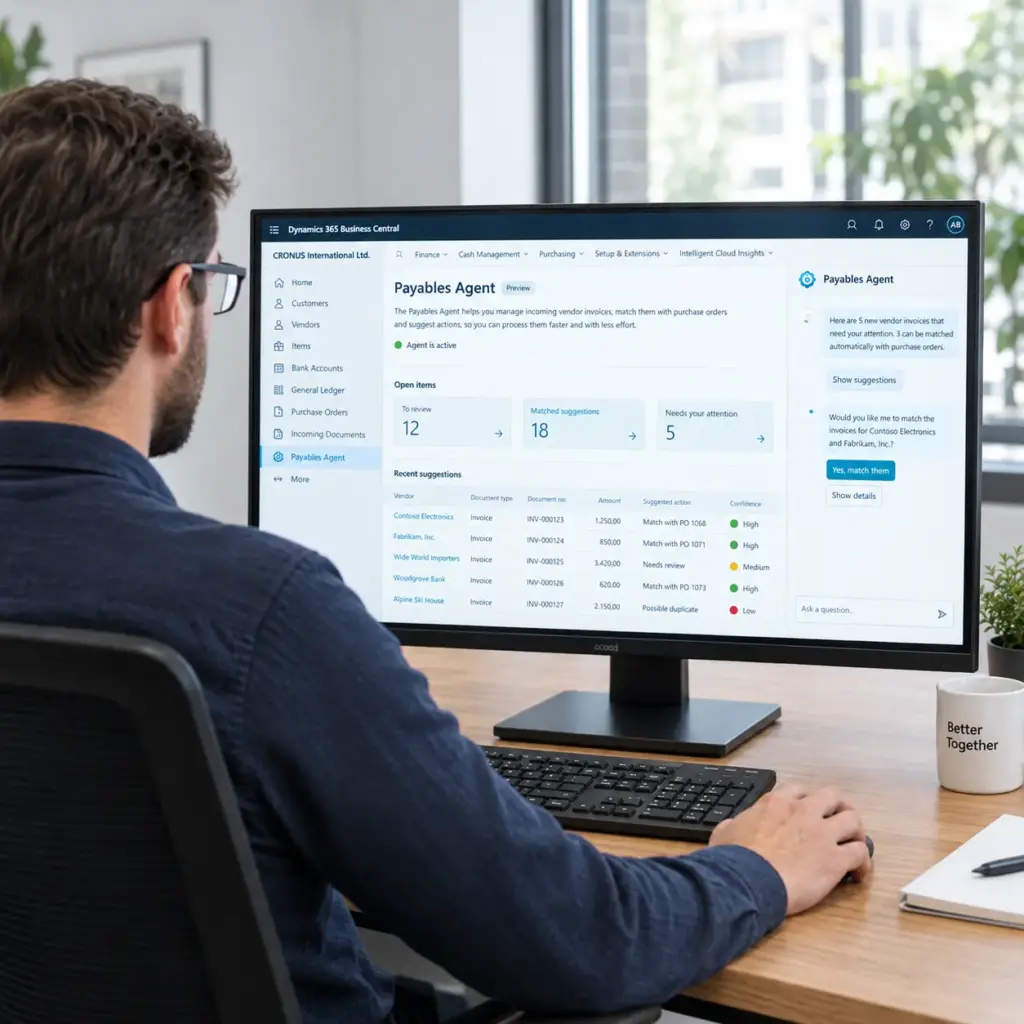
Whether you're a consultant or work in sales or marketing, everyone in this industry has seen them countless times: the “groundbreaking” Updates in Business Central.
There’s certainly no denying that Microsoft has made tremendous strides since the launch of Business Central.
After all, compared to the now severely outdated NAV/Navision, Business Central is state-of-the-art ERP software—not only in terms of functionality, but certainly also in terms of its user interface. Yet, when it came to new features, you’d often hear experienced consultants say:
“Ah, a little feature like that is nice, but 80% of users barely even know it’s there.”
Copilot Chat in Business Central
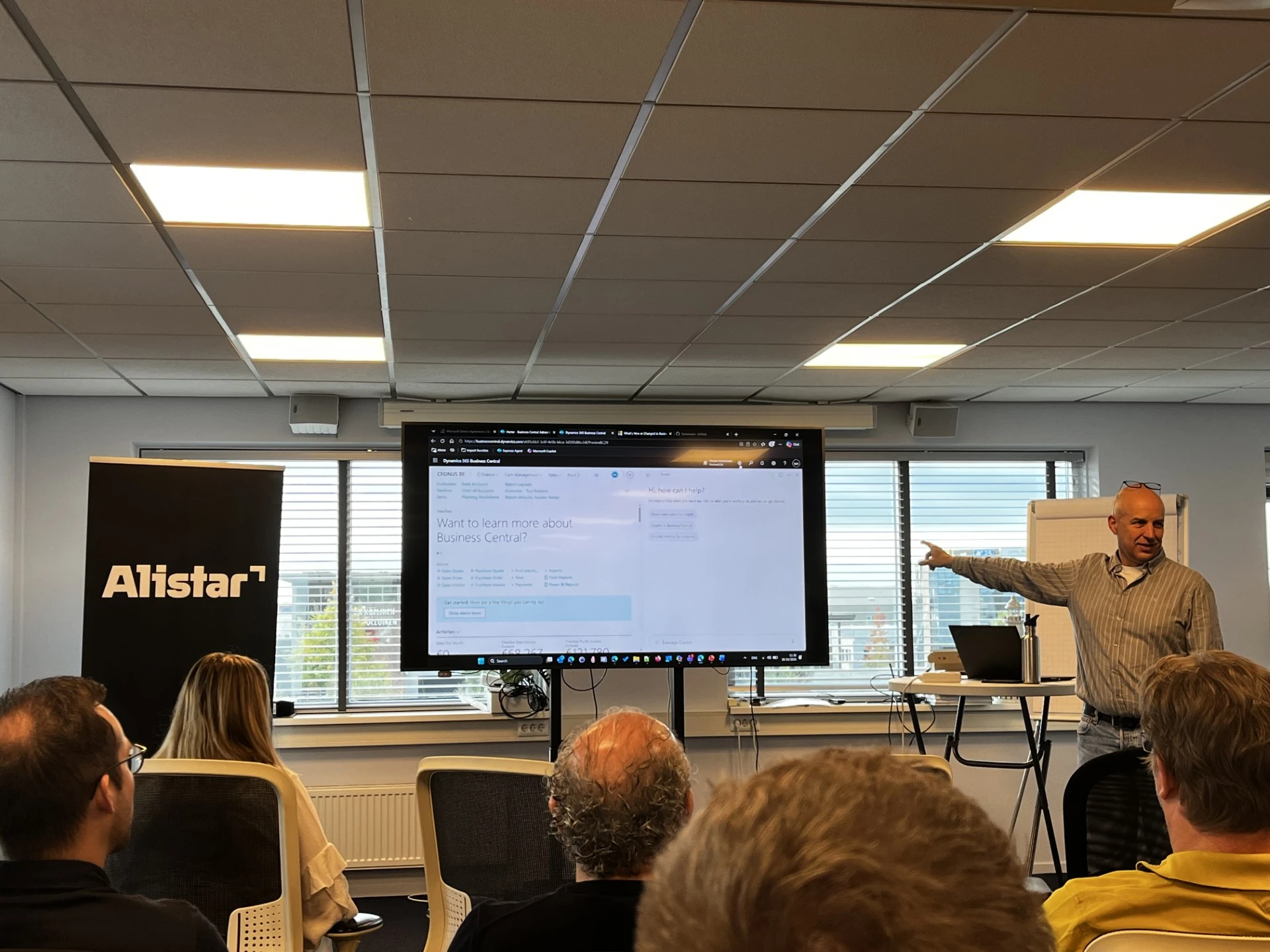
With that in mind, I recently attended an internal information session on the most important updates in the latest version of Business Central. Whereas in the past there were always people who weren’t exactly “blown away” by new features, this time it was very different.
In fact, there wasn't a single consultant who wasn't deeply impressed by Copilot in Business Central.
- Want to upload a screenshot with information? No problem.
- Wondering what a particular field is for? Ask Copilot.
- Do you have a question about how a specific feature works in Business Central? You'll get an answer in just a few seconds.
The question isn't whether, but how Copilot helps you
These are just a few examples, but they immediately made one thing clear: Copilot Chat in Business Central won't go unnoticed by many users.
This is not just a new feature. In my view, it changes the definition of ERP software.
Until now, as a user, you mainly had to learn how an ERP system works. Where can I find that information? Which feature do I need? Which fields do I need to fill out? And how does that process work again?
With Copilot, that’s slowly starting to change. Soon, users won’t need to know exactly how Business Central works for every task. You’ll find yourself explaining more and more often what you want to know or achieve, and Business Central will help you get there.
| Traditional ERP | The New Reality of ERP (With Copilot) |
| The user manually searches for fields and functions. | The user types or asks what they want to do. |
| Relying on manuals and consultants for explanations. | Instant answers and explanations of features within seconds. |
Paradigm Shift
And I think that’s the real paradigm shift. We’re moving from ERP as a system where you have to know where to find things, to ERP as a system you can interact with.
It therefore seems to me that it is only a matter of time before Business Central users start approaching their ERP system in the same way that many people now use AI in their daily work.
It doesn't start with your keyboard and mouse, but with a reflex in your mind. The question you ask yourself as soon as you start a new task:
“How can Copilot help me with this?”
And once that becomes the standard, we won't be talking about just another new Business Central feature.
That would mean a completely new ERP landscape.

Upgrade to Business Central; get started with our ERP Masterclass
Is the transition from NAV to Business Central—or some other form of ERP modernization—on the agenda for the coming years? If so, it’s wise for management to first consider what you hope to achieve with this change.
That is why Alistar is organizing an ERP Masterclass in Breda on December 8 with international ERP expert Guus Krabbenborg. The masterclass is limited to a maximum of 20 participants.
ERP Transformation Masterclass on December 8 in Breda
Check out the program and sign up.