
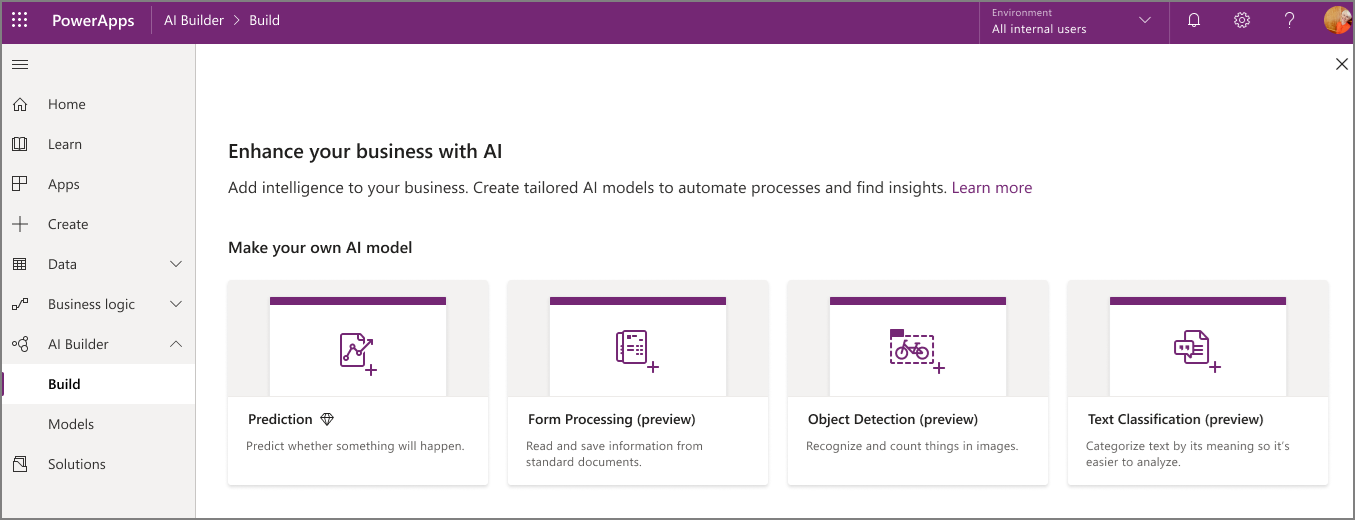
Microsoft Power Apps has incorporated a number of AI capabilities into AI Builder that are useful for various business applications. You can simply choose from pre-built, ready-to-use AI models designed for common business scenarios, or you can customize AI models yourself to perfectly tailor them to your specific needs.
Below, we’d like to share a few AI models that will help you harness the power of this technology in your business.

How can AI help my business?
AI Builder is actually the perfect tool for all those tedious, manual tasks that we'd like to complete (much) faster, but that don't really require a complex solution.
Below are two examples of specific business problem scenarios that AI Builder can help solve:
- Processing customer requests: Customers are asked to fill out and submit a paper form.
Currently, someone has to process all these forms manually and enter the data from each field into the system one by one
Thanks to AI capabilities, you can simply take a scan or photo of a form, after which AI Builder recognizes all the fields on the form and automatically captures them in your system.
- Automating contact lists: Within your organization, there’s a lot of networking at trade shows and conferences. That means you meet a lot of new people. The downside is that you have to manually enter all of those people’s contact information into your system.
Thanks to the Business Card Reader, you can quickly create a Canvas app that lets you take photos of business cards (and forms, if needed) and have the data automatically flow into your system. That way, it might take you just one day to follow up on your leads instead of a week.
How can you easily integrate AI Builder into your apps?
Easily build, train, and publish pre-built AI models without having to write a single line of code. Thanks to a guided process, templates, or the ability to embed pre-built components directly into your apps, integrating AI suddenly becomes very accessible.
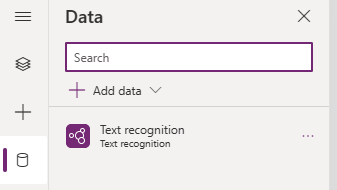
We'd like to share a few examples of our favorite ready-to-use AI models in Power Apps.
Text Recognition
Adding text recognition to your apps allows text to be automatically extracted from images.
Object or Image Recognition
Object recognition allows you to count, locate, and identify selected objects in an image.
Scanning Forms
With AI Builder, you can quickly import data from paper or PDF documents into spreadsheets.
Analyzing Customer Sentiment
This was made AI model recognizes patterns in language and tags and classifies the content.
Predicting Business Results
The power of AI is used to detect patterns in data and apply them to predict outcomes. Read more
Want to develop your own Power Apps with AI capabilities? We’d be happy to help!
The possibilities of Microsoft Power Apps They're incredibly extensive, and you don't need any specific prior knowledge to get started. Sounds great, right? Even so, maybe you're still not quite sure where to start?
If you're determined to figure it out on your own, check this out this blog post, with tips for Power Apps beginners.
Or maybe you want just a little bit more? Strategy, customization, integrations, reporting, … Through our Power Apps page, you can easily get in touch with our experienced Power Apps team to build and automate a workflow or optimize your existing app.


