A user with the administrator role can delegate just like any other user via the menu path [Modules > System > Configuration > Security > Delegation]. A user without the administrator role can delegate if the following steps are performed by the employee you want to delegate to:
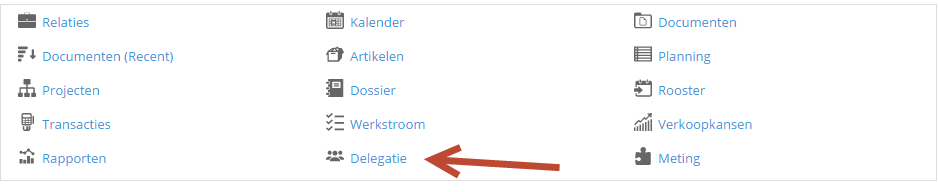
1. Go to your employee profile and click ‘Delegation’ in the monitor.
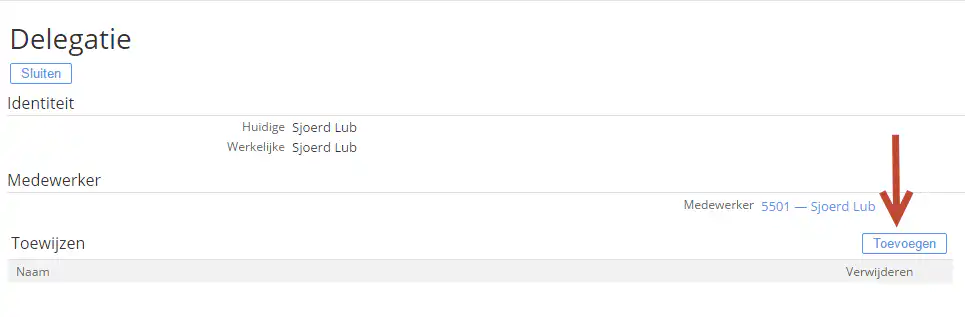
2. Click the ‘Add’ button to grant a colleague permissions to delegate your workflow.