
You can check the mailbox read task in Exact Proquro (P2P) by following these steps:
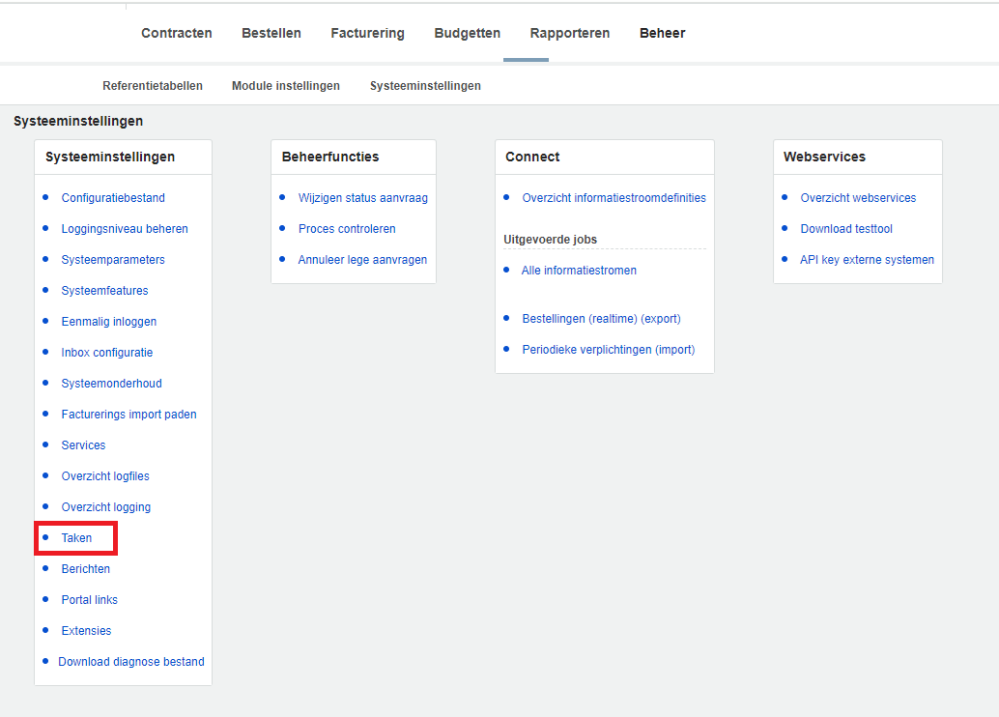
Step 1. Navigate to the task via the Administration module
Open the [Administration] module and navigate to Tasks via System Settings > Tasks.
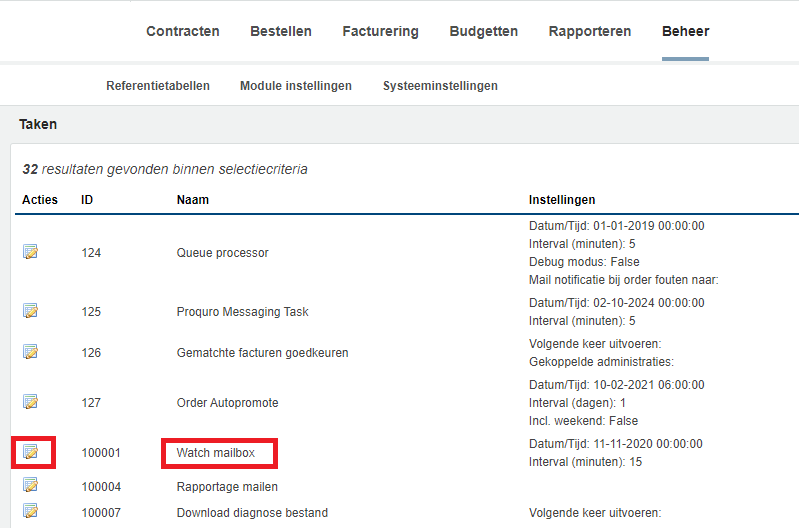
Step 2. Select "Watch mailbox"
Open the "Watch Mailbox" task.
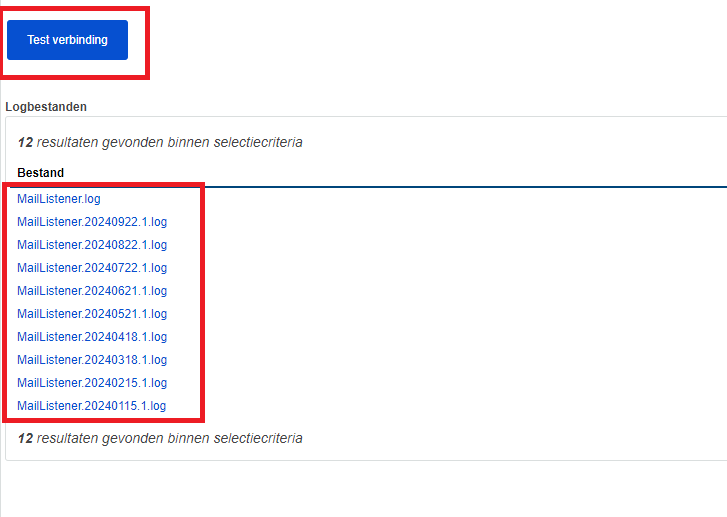
At the bottom of the screen, there is a button to test the connection, which may display log files.
By following these steps, you have finished reading the mailbox.