
If you do not accept cookies, you will not be able to access the Alistar customer portal, for example, via the link you receive by email after creating a ticket. You can resolve this by following these steps:
- Navigate to Cookie Policy
- Scroll down the page until you come across the following link:
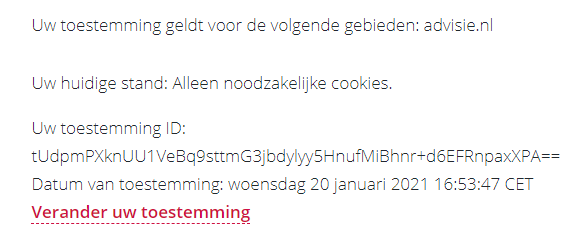
When you click ‘Change your consent,’ the Cookie Statement will reopen as a pop-up at the bottom of the page; select the option "Allow all cookies" there.
After following these steps, your cookies will be accepted again, and you'll have access to the Alistar customer portal once more.