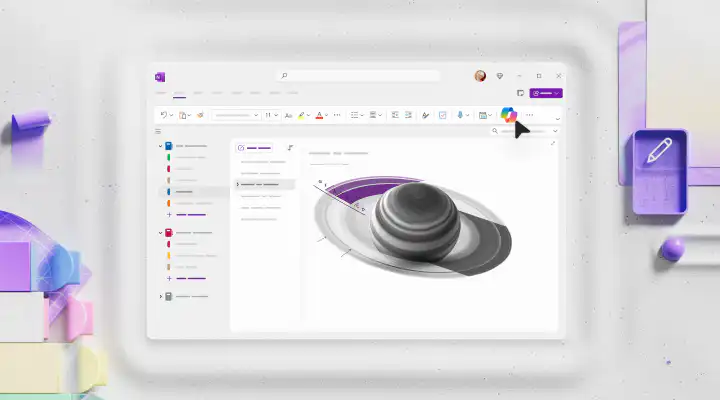
Learn how to use Microsoft 365 Copilot in OneNote to summarize notes, generate to-do lists, and organize ideas for more efficient note-taking.
Optimize Your Notes with AI in OneNote
Microsoft 365 Copilot In OneNote, Copilot is the key to taking, organizing, and summarizing notes more efficiently. During this interactive training, you’ll learn how to use Copilot to improve your notes, generate action items, and stay organized. Whether you’re summarizing long texts, creating to-do lists, or brainstorming new ideas, after this training you’ll be ready to get the most out of Copilot in OneNote with confidence and ease.
ℹ️ This program is offered in the Dutch organized.
What can you expect?
| Introduction (5 minutes) | We'll start with a brief overview of exactly what Microsoft 365 Copilot is and how it can support you in your daily work. |
| What is Copilot? in OneNote? (10 minutes) | – How does Copilot work in Microsoft 365? – Basic features of Copilot in OneNote. – How can you specifically benefit from Copilot in OneNote? |
| Hands-on demo (20 minutes) | Summarizing Notes: Quickly create clear, concise summaries. Generate to-do lists: Develop structured action items. List the pros and cons: Analyze your notes to gain better insights. Creating New Content: Generate ideas and plans for projects. Rewrite Notes: Adjust the tone and style of your writing. And more… |
| Tips & Tricks (10 minutes) | Learn how to get the most out of Copilot with practical examples and pitfalls to avoid. |
| Q&A (10 minutes) | Ask your questions and get immediate answers from our trainer. Wrap up with a preview of additional training sessions and tools. |
Why participate?
Whether you use OneNote every day or are looking for ways to get more out of your tools, this training will show you how Copilot can optimize your workflow. From summarizing notes to organizing your ideas—Copilot takes your productivity to the next level.
What will you gain from this training?
- Work Faster: Create and edit notes in just a few minutes.
- Working More Efficiently: Automate the creation of summaries and action items.
- Working More Professionally: Improve the quality and organization of your notes.
Find out now what Copilot can do in OneNote
Would you like to learn more right now about how Microsoft 365 Copilot in OneNote can improve your workday? In this blog post, you’ll learn the basics about unique features, practical applications, and smart tips for getting the most out of Copilot. From summarizing notes to creating to-do lists—discover how to take your note-taking to the next level.