Working with Microsoft Planner
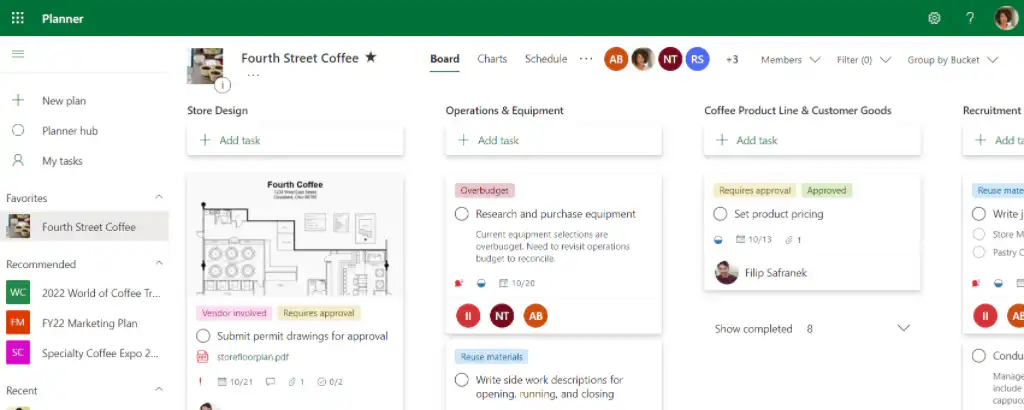
Planner is a Microsoft application you can use to manage your tasks. This user-friendly tool lets you plan tasks and handle small projects without a lot of planning effort. Efficiently assign tasks, organize, set deadlines, and share files. Of course, team members can also communicate with each other through it.
Plan Together, Work Smarter
Planner as a planning board for your team projects
Planner is ideal for teams that are working on multiple projects at the same time or have tasks that require a collaborative approach.
You can get started right away
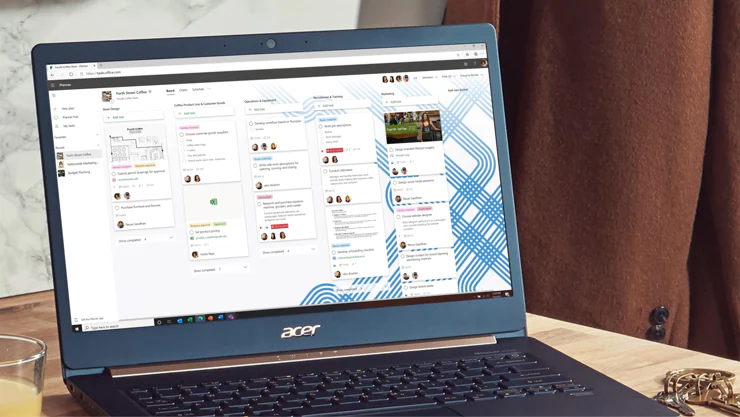
Use your knowledge of Microsoft 365 apps to get started with Planner quickly. Create a plan, build a team, assign tasks, and track progress in just a few simple steps. JYou can create new Kanban boards in just a few minutes.
Access to all your task information in one place
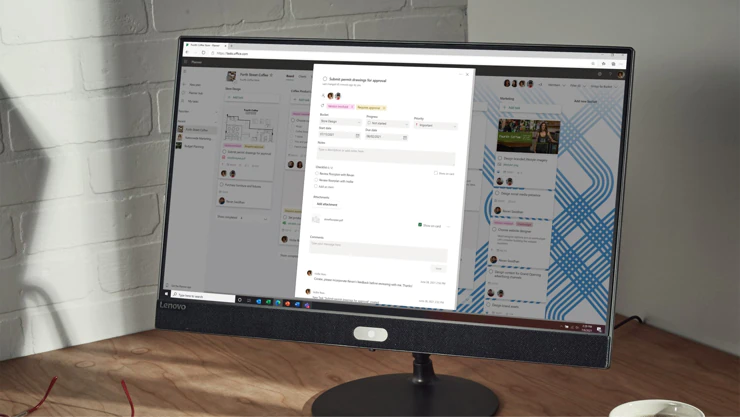
With Planner, you're always in the loop. Receive email notifications when you're assigned a new task or added to a conversation. Tasks include details such as due dates and additional elements like color-coded labels. Planner offers everything you need to help you focus on your work.
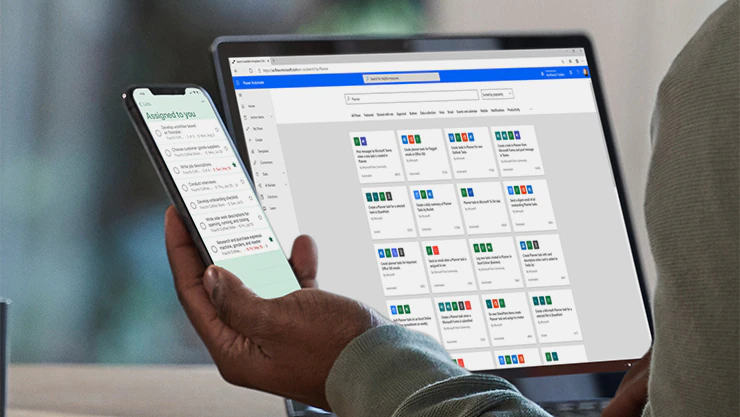
Connect securely to applications and colleagues
When you collaborate on a plan, your team members always know who’s working on what. Microsoft 365 also connects Planner with Microsoft To Do, SharePoint, Power Automate, and other apps for efficient task management.
In addition to Planner, check out these Microsoft 365 apps
Everything You Need for Efficient Task Management
Some features of Microsoft Planner
Empower everyone on your team—regardless of their role or expertise—to manage tasks more effectively. Give your teams an intuitive, collaborative, and visual task management experience to get work done.
Kanban Boards
By using boards, cards, and columns, you can assign tasks, track completion, and reduce turnaround time.
To-Do Lists
Create simple to-do lists that you can use to prioritize work and enter task information.
Schedule Overview
The planning view allows users to view all their tasks on a calendar.
Collaborative Task Management
Team members can leave comments and attach files to specific tasks.
Assign tasks to multiple team members
Unlike other tools, Planner lets you assign tasks to multiple people at once
Grant external users access to Planner
For projects where external parties need to stay informed, you can also grant them access to the tool.
Group and filter tasks
Filter your tasks by deadline to stay on top of which ones are urgent
Import into Outlook
You can also integrate Microsoft Planner into Outlook using the iCalendar feed, which makes planning and time management even easier.
Get email notifications
Set up notifications that help users stay on track by alerting them to upcoming deadlines.
Durabilis case
“Since the transition to a Microsoft 365 environment, we’ve been able to truly collaborate online”
Durabilis invests in various small businesses in developing countries, which it then manages very closely. Its employees are therefore spread across about ten countries worldwide, which presents specific challenges.

Which tool should you use when?
Planner vs. To-Do List
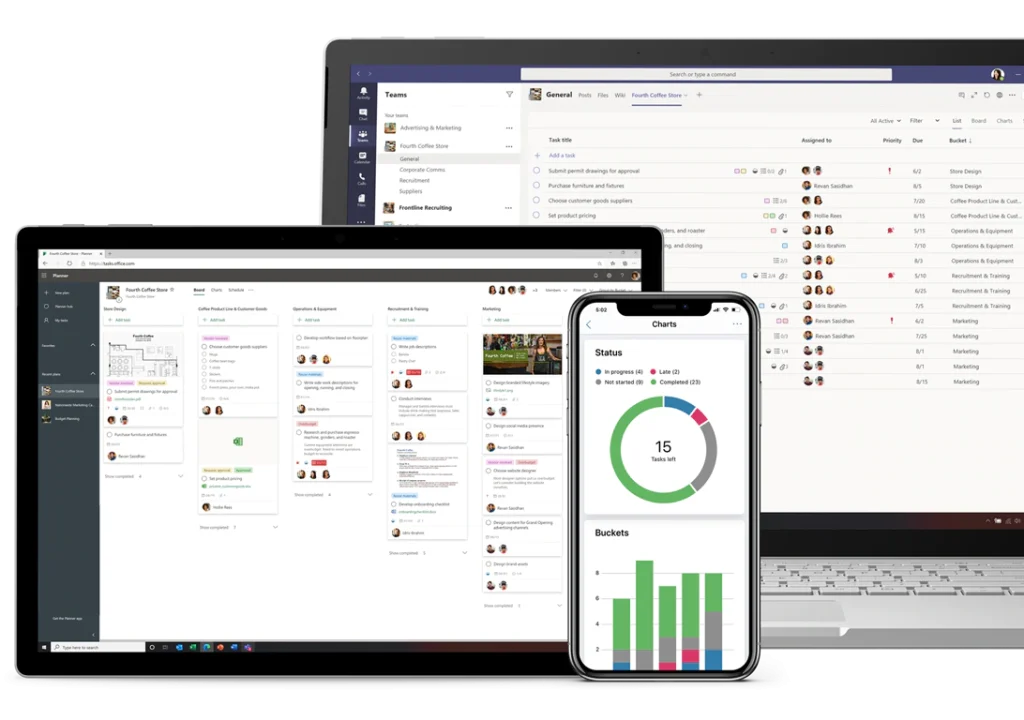
Microsoft Planner
Microsoft Planner is especially useful when used within a team, but it's also useful for viewing the tasks assigned to an individual.
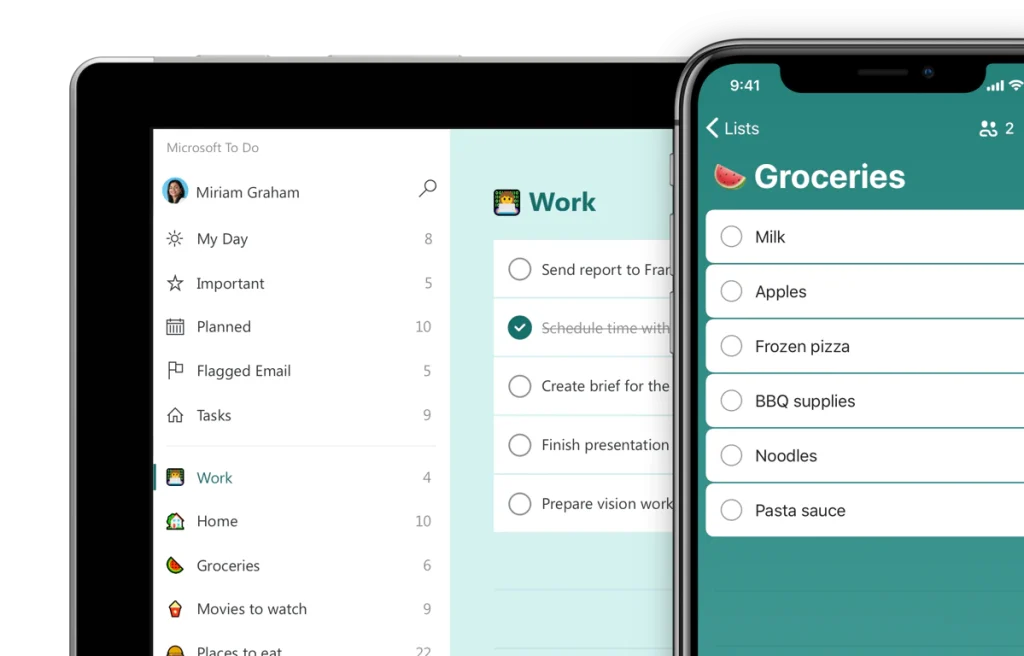
Microsoft To Do
Microsoft To Do is a personal task management tool. It focuses primarily on an individual's productivity.
Our Modern Work team is here to help you
Alistar is a Microsoft Certified Partner and has a team of experienced business consultants, engineers, and experts who are happy to guide you through the entire process. Our goal is to make your journey as smooth as possible.

Jo Geeraerts