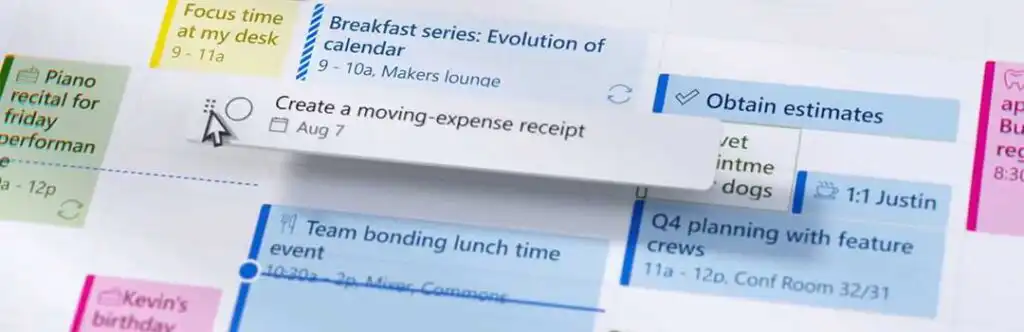
Organized more quickly
Why should I use to-do lists?
It's important to stay organized and focused on both your professional and personal goals. To-do lists can help you do that. They help you manage tasks and set priorities.
Increased productivity
Making a to-do list at the start of the day or week helps you identify urgent tasks and tackle them first. Focusing on the right things helps you complete projects faster.
Time savings
A to-do list helps you know what to work on and when. At the beginning and end of each task, estimate the time you'll need to optimize your time management.
Less stress
By tidying up your workspace and organizing all your tasks in one place, you’ll gain more control over your workload, which reduces stress and tension.
Better organized
Keeping track of tasks and assignments ensures that you don't miss any important deadlines. With a to-do list app, you can add, edit, and delete tasks, and set reminders and due dates.
Better collaboration
By sharing lists with your team, you can coordinate tasks, assign responsibilities, and keep everyone informed. This improves communication and reduces confusion among team members.
Greater accountability
Task lists allow you to clearly define tasks and responsibilities, which increases accountability and ensures that everyone does their part.
Increase Productivity
Boost Your Productivity with Microsoft To Do
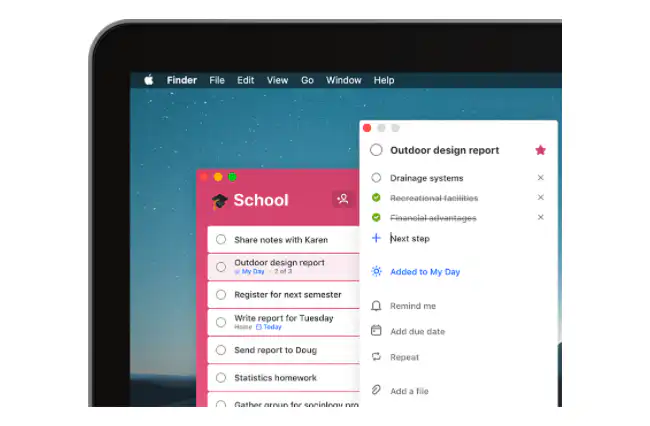
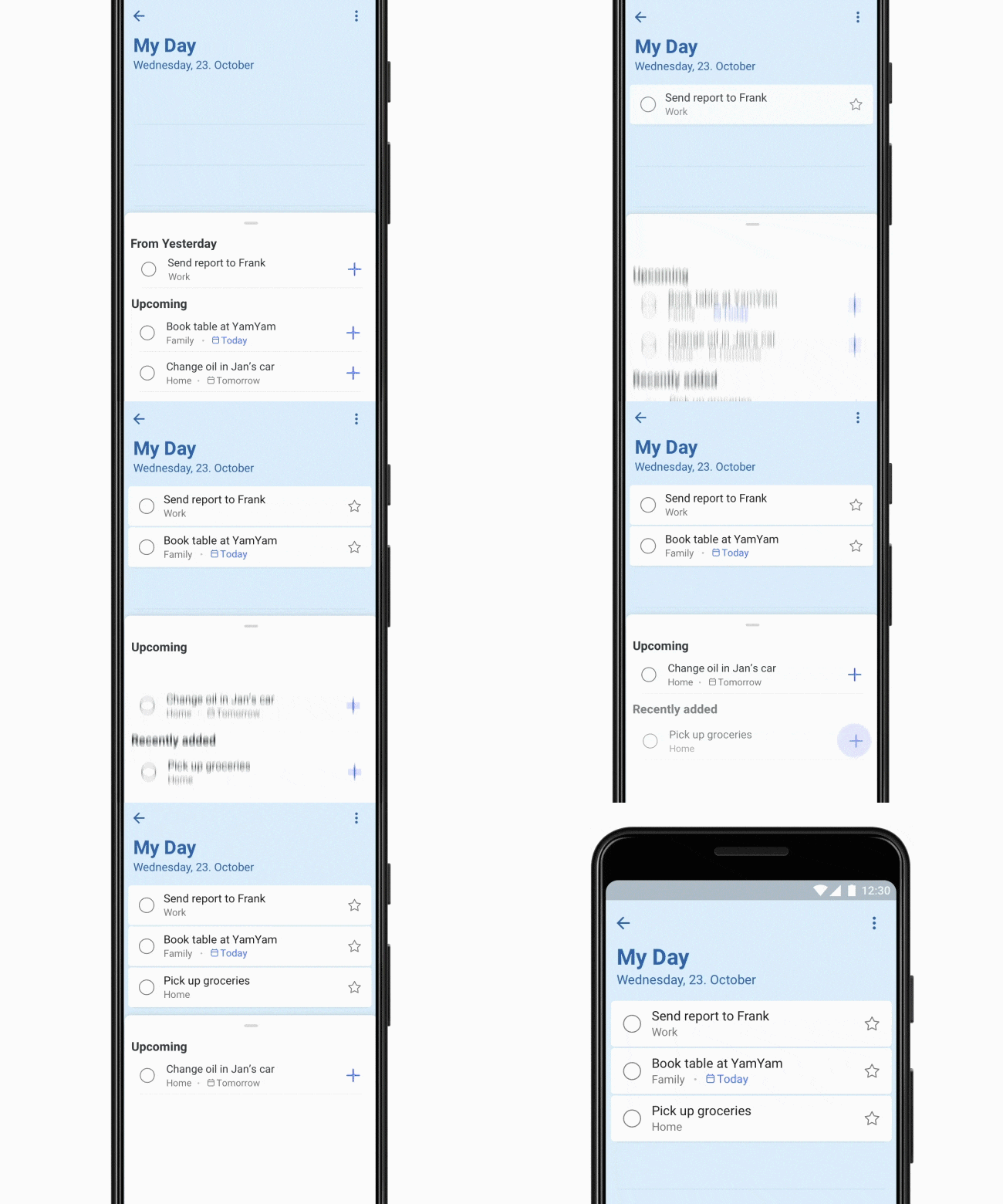
Smart Daily Planner
Stay productive at all times with smart, personalized suggestions for updating your to-do list.
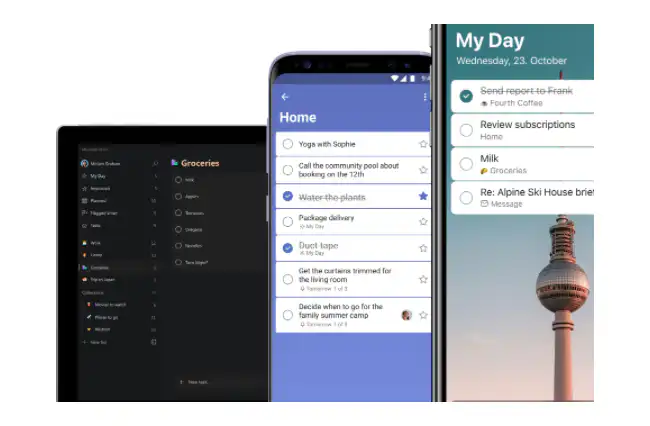
Easy Sharing
You can easily share your to-do lists online with anyone you want. This can help you stay connected with your coworkers.
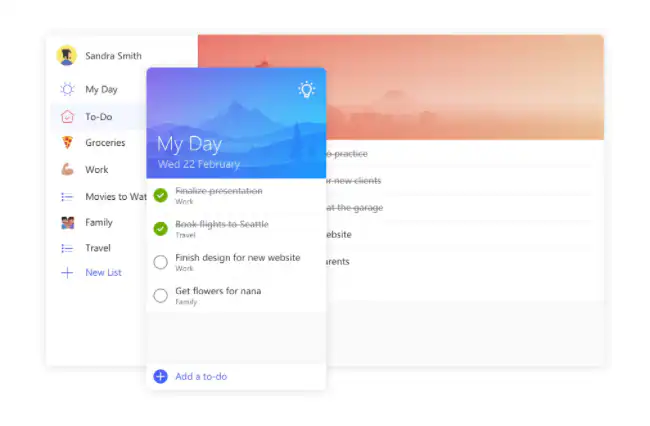
Easily Manage Tasks
Break tasks down into steps, add due dates, and set reminders so you can stay organized.
Stay organized
Organize your tasks into lists based on a specific theme.
- My Day: your tasks for the day
- Important: tasks for which deadlines or reminders have been set
- Assigned: Tasks assigned to you by others
- Flagged email: tasks marked in Outlook
- Duties: all tasks that were not assigned to a list
Comparison
Planner vs. To-Do List
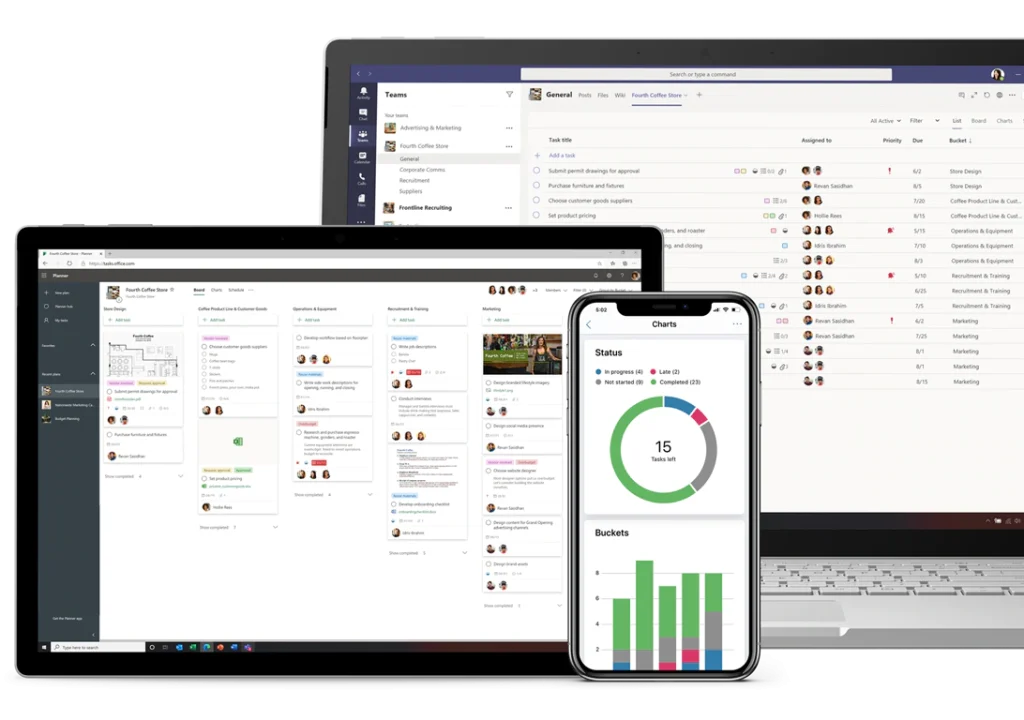
Microsoft Planner
Microsoft Planner It is especially useful when used within a team, but it is also useful for viewing the tasks assigned to an individual.
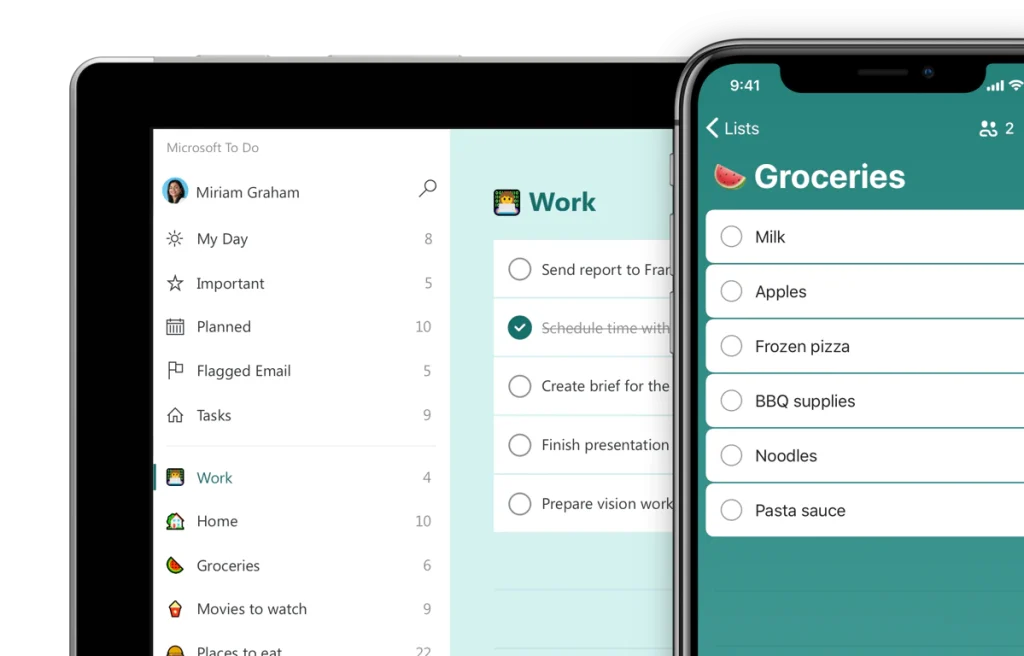
Microsoft To Do
To Do is a personal task management tool. It focuses primarily on an individual's productivity.
Our team is here to help you!
As a Microsoft Certified Partner with a team of Modern Workplace experts, we’d love to help you figure out how to provide the best possible experience for your employees.

Nick Lievens
Applications
In addition to To Do, check out these Microsoft 365 apps
Modern Work
Microsoft Teams
Smart Meetings with Microsoft Teams.
Modern Work
Microsoft SharePoint
SharePoint as a place to share knowledge.
Modern Work
Microsoft Viva Engage
Viva Engage: The Social Network for Businesses
Modern Work
Microsoft OneNote
OneNote, your smart digital notebook.
Modern Work
Microsoft OneDrive
OneDrive: The Ultimate Online Storage Solution for Your Business
Modern Work
Microsoft Planner
Planner: Schedule tasks for your team